
 Home
Home PC
PC PlayStation
 Xbox
Xbox Nintendo Switch
 Mobile
 Esports
 Anime and Manga

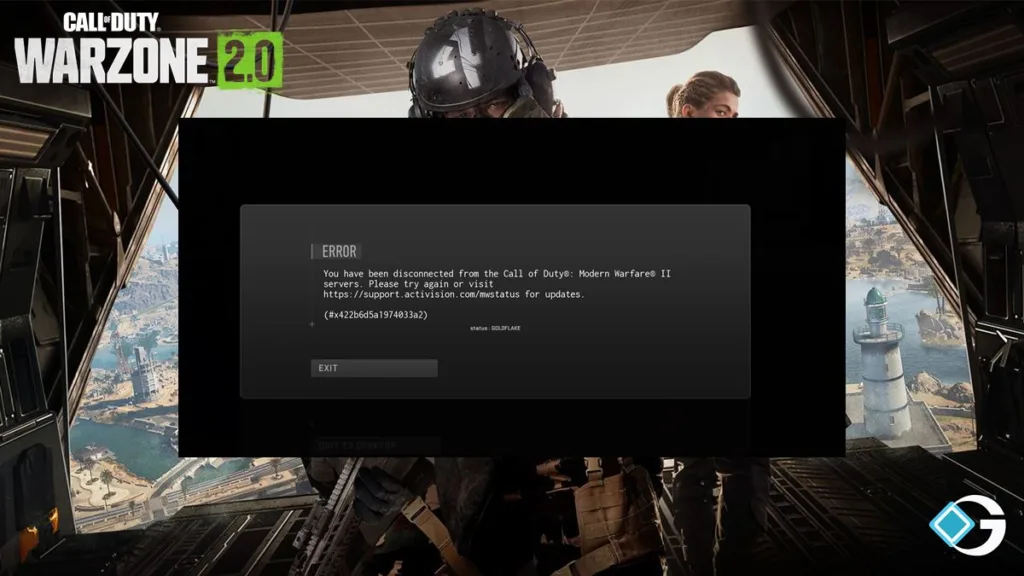
In the realm of Call of Duty: Warzone 2.0 and Modern Warfare 2, encountering the Goldflake Error can be a frustrating ordeal on Xbox, PS4, PS5, and PC. This error code typically signals server overload, causing login and gameplay issues, and occasionally disrupting gameplay even if your console is in standby mode for a future match.
Thankfully, instances of the Goldflake Error interrupting ongoing matches and abruptly ejecting you from Warzone seem relatively rare.
For Xbox users, potential fixes include updating both the console and the game, clearing persistent storage, addressing alternate MAC addresses, and even considering an Xbox Live Gold subscription.
On the PC front, some have found success in resolving the issue by connecting to a VPN or changing the region settings in Battle.net, along with performing a “Scan and Repair” for Modern Warfare 2.
For PS4 and PS5 players, tackling the Goldflake Error involves customizing your internet connection settings, particularly focusing on DNS settings by using Primary DNS: 1.1.1.1 and Secondary DNS: 1.0.0.1 (or an alternative combination, if needed).
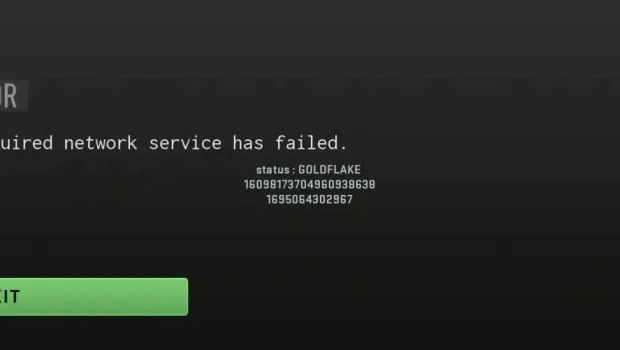
While the Goldflake Error can be a nuisance, these suggested fixes may help players on various platforms get back to enjoying their Call of Duty experience with minimal disruption.




