
 Home
Home PC
PC PlayStation
 Xbox
Xbox Nintendo Switch
 Mobile
 Esports
 Anime and Manga

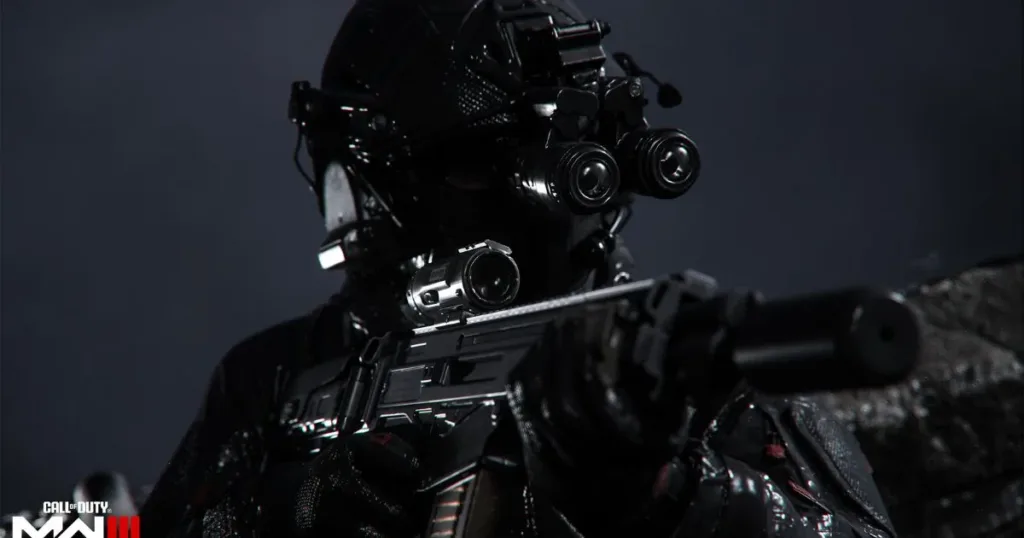
Weapon inspection is an exciting addition to Call of Duty: Modern Warfare 3, allowing players to showcase their weapon customizations and skins. This feature is relatively new to the Call of Duty franchise, first introduced in Call of Duty: Modern Warfare and later integrated into Modern Warfare 3.

In Modern Warfare 3, players can personalize their loadouts and guns with various cosmetic items like stickers, decals, and weapon charms. After customizing your gear, you’ll undoubtedly want to admire and display it in-game. Here’s a simple guide on how to inspect weapons in Modern Warfare 3 based on your platform:
- For PlayStation & Xbox Players: Tap the left D-pad on your controller to inspect your weapons.
- For Mouse & Keyboard Players: If you’re using a mouse and keyboard, press the ‘I’ key to view your weapon up close.
If you prefer different keybinds for inspecting weapons, you can customize the “inspect” option in the in-game settings to match your preferences.

With this feature, you can proudly show off your carefully crafted loadouts and appreciate all the little details on your guns. Stay tuned for more updates and guides on Modern Warfare 3 as we keep you informed about the latest news in the game.




