
 Home
Home PC
PC PlayStation
 Xbox
Xbox Nintendo Switch
 Mobile
 Esports
 Anime and Manga

When players dive into Marvel’s Spider-Man 2, they are greeted with a variety of options and choices, providing a customizable gaming experience. This includes accessibility features, difficulty settings, and graphics and performance preferences. While this flexibility is appreciated by many, some players might find the multitude of initial decisions a bit overwhelming.
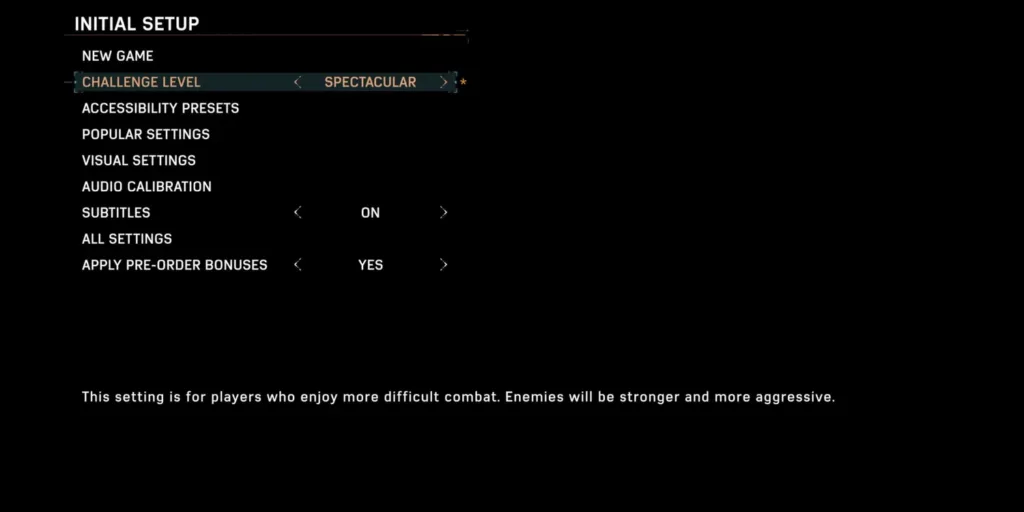
At the outset, players can select from four available difficulty options, with a fifth unlocked upon completing the main story. These range from very easy to very hard, allowing players to tailor the challenge level to their liking. Importantly, players can adjust the difficulty during their playthrough without worrying about any associated penalties, as there are no difficulty-related Trophies.
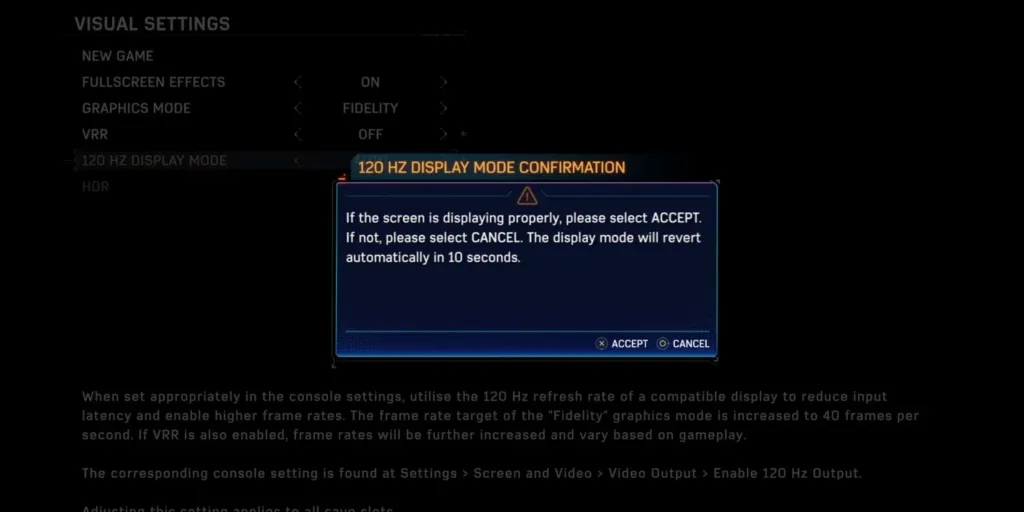
The game offers various Graphics Modes, with “Fidelity” being a standout choice when paired with Variable Refresh Rate (VRR) set to “Smoothed.” However, the best Graphics Mode might differ from player to player, influenced by personal preferences and the display technology they’re using. Players without a 4K display might opt for “Performance” to enjoy smoother framerates, albeit at a slightly lower resolution.

For those with a 4K display, the decision becomes a trade-off between graphics quality (Fidelity) and frame rate (Performance). Enabling the “120 Hz Display Mode” is recommended for those who can, as it not only improves frame rates but also reduces input latency, enhancing the gaming experience.
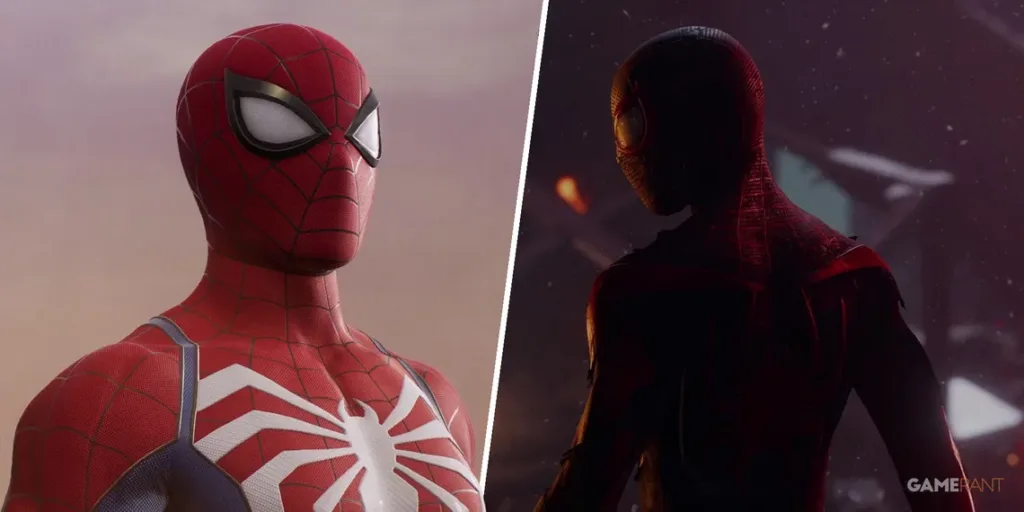
Marvel’s Spider-Man 2’s extensive options ensure that players can fine-tune their gameplay, taking into account their personal preferences and hardware capabilities.




