
 Home
Home PC
PC PlayStation
 Xbox
Xbox Nintendo Switch
 Mobile
 Esports
 Anime and Manga

Navigate The Sims 4 real estate market effortlessly by utilizing the Free Real Estate Cheat to acquire the perfect home without spending Simoleons.
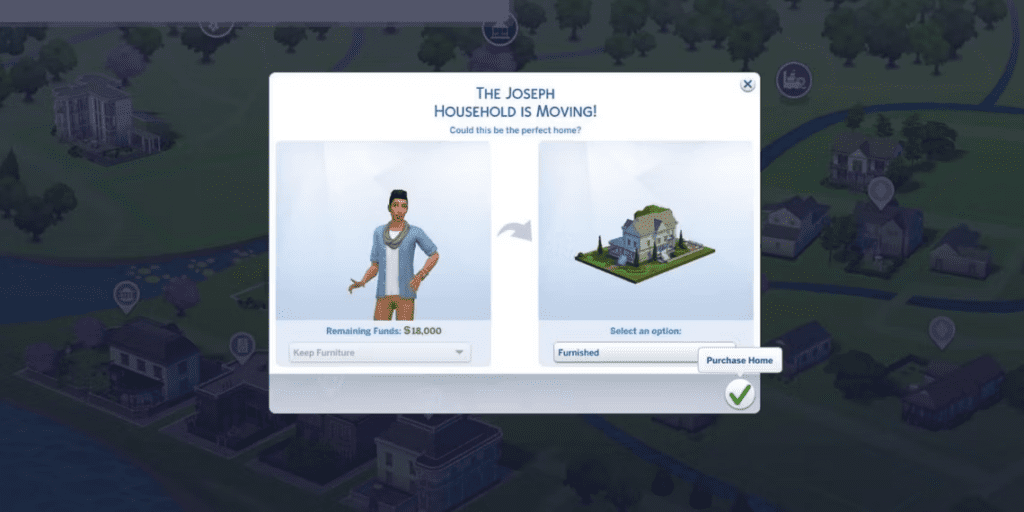
In The Sims 4, navigating the real estate market can be a challenging task, especially for new players with limited budgets. As players focus on developing their Sims’ careers and fostering relationships, the cost of acquiring an ideal home may seem prohibitive. However, the Free Real Estate Cheat in The Sims 4 offers a quick and straightforward solution, allowing players to purchase homes anywhere on the map without depleting their hard-earned Simoleons.
How to Utilize the Free Real Estate Cheat in The Sims 4:

Enabling cheats is the initial step before utilizing the Free Real Estate Cheat in The Sims 4. The activation process varies based on the gaming platform:
- PC Users: Press Ctrl + Shift + C simultaneously.
- Mac Users: Hit Command + Shift + C.
- Xbox Players: Hold down LT + RT + LB + RB simultaneously.
- PlayStation Users: Press L1 + R1 + L2 + R2 triggers at the same time.
Once the cheat dialogue box appears in the top-left corner, input either “testingcheats true” or “testingcheats on” to activate cheats. A confirmation message will validate the successful activation with “Cheats are enabled.”
With cheats enabled, input the Free Real Estate Cheat: “freerealestate on” into the text box and press Enter. The cheat’s effectiveness is confirmed when all vacant lots display a green line around them.

The Free Real Estate Cheat allows players to move their Sim into any lot without incurring any costs. They can explore different maps using the globe icon and even change their Sim’s world.
It’s important to note that if another Sims family already resides in a chosen home, players won’t be able to move their Sim into that property.
To deactivate the cheat, simply input “freerealestate off” in the text box. This ensures that players can seamlessly enjoy the game without the ongoing effects of cheats.




