
 Home
Home PC
PC PlayStation
 Xbox
Xbox Nintendo Switch
 Mobile
 Esports
 Anime and Manga

Discover how to install and utilize the Boombox Controller mod in Lethal Company, adding a musical twist to your retrofuturistic adventure.

Lethal Company, known for its retrofuturistic atmosphere and thrilling gameplay, has garnered a dedicated fanbase, thanks in part to its active modding community. Among the various mods available, the Boombox Controller stands out as a unique addition that allows players to customize their in-game music experience. This guide will walk you through the installation process and usage of the Boombox Controller mod, transforming your Lethal Company journey.
How to Install the Boombox Mod
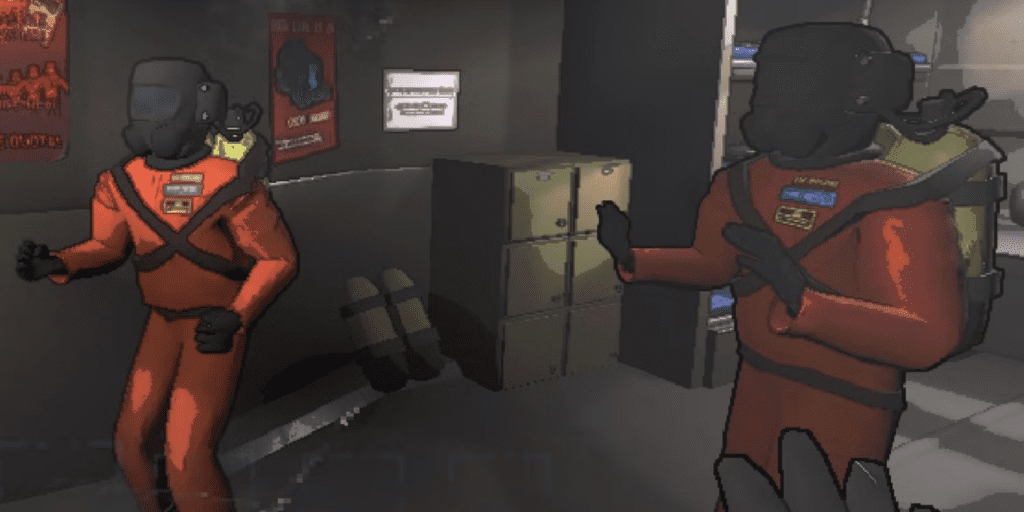
- Backup Your Game: Before diving into mod installations, it’s wise to create a backup of your game. This ensures you can revert to the original state if any issues arise.
- Download the Mod: Visit the Thunderstore website and locate the Boombox Controller mod by KoderTeh. Download the latest version of the mod.
- Extract Files: Once the download is complete, extract the zip files. You will find the necessary mod files inside.
- Locate Game Folder: Right-click on Lethal Company in your Steam library, select Manage, and then click on Browse Local Files. This opens the folder where your game files are stored.
- Copy Mod Files: Copy the extracted mod files into the game folder. Overwrite or merge files as necessary.
- Launch the Game: Start Lethal Company to confirm that the Boombox Controller mod is successfully integrated.
How to Use the Boombox Mod

To make the most of the Boombox Controller mod, familiarize yourself with the following commands accessible through the in-game chat box:
- /bhelp: View a list of all available commands.
- /bplay: Play any music of your choice by uploading a specific link from YouTube, SoundCloud, or downloadable MP3 files.
- /bvolume: Adjust the volume of the Boombox to suit your preference.
Press the left mouse button to activate the Boombox. Notably, the Boombox Controller mod removes the power consumption limit of the boombox, allowing you to enjoy uninterrupted music indefinitely.
Note: For multiplayer sessions, ensure that all players have the Boombox Controller mod installed to collectively experience the customized music. While this may require coordination, the shared musical experience can add a unique touch to Lethal Company, alleviating some of its tension.
Elevate your gameplay experience in Lethal Company by infusing it with personalized music using the Boombox Controller mod. Whether you seek to lighten the atmosphere or create a thematic soundtrack, this mod offers a creative twist to your retrofuturistic adventure.




