
 Home
Home PC
PC PlayStation
 Xbox
Xbox Nintendo Switch
 Mobile
 Esports
 Anime and Manga

Explore effective strategies to overcome lag and enhance the gaming experience in Farlight 84 on mobile devices.
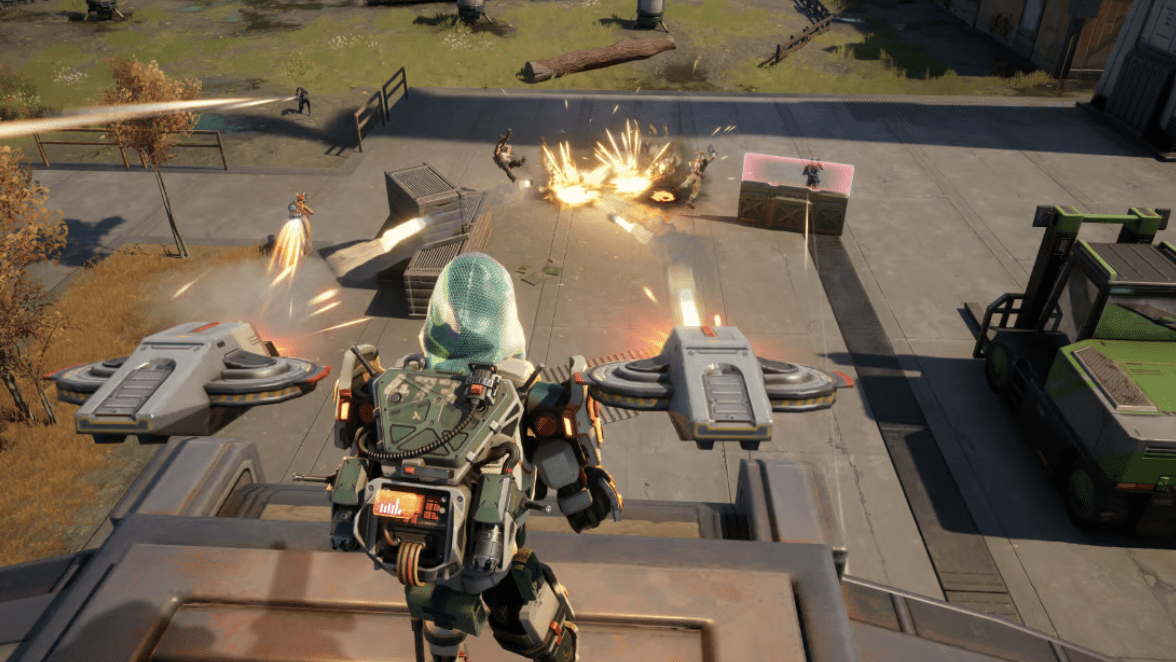
Farlight 84 has emerged as a popular mobile battle royale game, offering intense game play to users. However, the immersive graphics and demanding nature of battle royales can lead to frustrating lag issues and frame rate drops for players. This article presents practical tips to address these concerns, ensuring smoother game play for enthusiasts.
Strategies to Alleviate Lag in Farlight 84
1. Close Background Apps:
- Shut down all running applications before launching Farlight 84, especially resource-intensive ones like TikTok, WhatsApp, Discord, and Facebook.
- Social media apps often continue collecting data in the background, imposing additional strain on the phone’s CPU.
- Closing these apps frees up processing power, optimizing the device for gaming.
2. Adjust Graphic Settings:
- Lower the graphics quality to the lowest setting available on your phone while maximizing the frame rate.
- Despite initial expectations, reducing graphics quality prevents the FPS from dropping below 30, even on devices with lower specifications.
- Maintaining the frame rate at its maximum minimizes disruptions, ensuring a playable experience on various devices.
3. Disable Extra Features:
- Turn off additional features such as streamer mode, highlights recording, and screen shake.
- While these features add flair to the gaming experience, they consume valuable resources needed for smooth game play.
- Disabling these extras reduces strain on the device, contributing to improved performance.
4. Utilize Developer Options:
- Android users can leverage developer options to optimize Farlight 84’s performance.
- Enable “Game Driver” preferences, adjust animation settings, implement 4x MSAA, and disable HW overlays through developer options.
- Fine-tuning these settings helps prevent frame rate drops and enhances overall gaming stability.
5. Lower Field of View:
- Reduce the in-game field of view to a level below 80.
- A narrower field of view demands less graphics processing power, contributing to smoother gameplay.
- While sacrificing some peripheral vision, users can enjoy improved performance on devices with varying capabilities.
By implementing these strategies, players can significantly enhance the speed and playability of Farlight 84 on their mobile devices. Whether facing limitations on lower end phones or seeking optimization for high end devices burdened by background tasks, these tips offer a lag-free gaming experience for enthusiasts.





I loved you even more than you’ll say here. The picture is nice and your writing is stylish, but you read it quickly. I think you should give it another chance soon. I’ll likely do that again and again if you keep this walk safe.