


Party Animals is a thrilling multiplayer game that promises cooperative and player-versus-player (PvP) enjoyment suitable for diverse age groups. Whether you’re looking to playfully grab, toss, and tease strangers or engage in friendly competition with friends and family, Party Animals guarantees endless entertainment. The best part? You’re not dependent on a lobby filled with random players. Here’s a quick and easy guide to relishing the couch co-op experience in Party Animals.
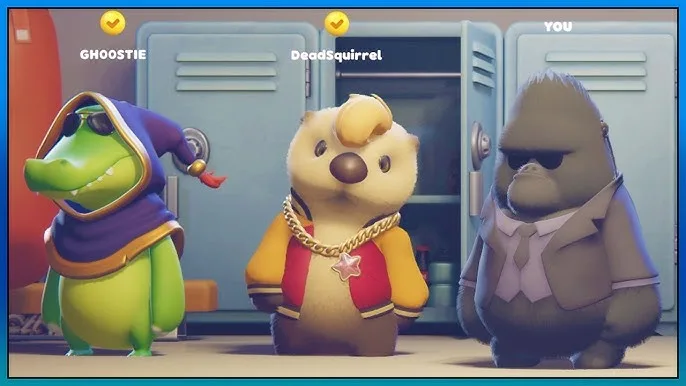
Understanding Party Animals’ Couch Co-op
It’s crucial to grasp a significant detail about Party Animals’ couch co-op feature. Even if you’re playing locally with friends and family, the game still requires an online connection. However, the silver lining is that you’re not compelled to team up with unfamiliar players if your sole aim is to relish local multiplayer fun.
Playing Local Multiplayer in Party Animals: A Simplified Guide
Embarking on local multiplayer adventures in Party Animals is a breeze, and you can effortlessly prevent online players from encroaching on your gaming session. Here’s how to get it all set up:
- Start by selecting “Custom Game” from the main menu.
- Click on the “Create” button conveniently located at the upper-right corner of the screen.
- Handpick your preferred game mode and map for your initial match.
- To ensure that your lobby remains a private domain, tap on the lock icon situated at the top right and establish a password. (It’s important to note that the password won’t be required for local play.)
- Connect the second player’s controller to your gaming setup.
- A prompt will promptly appear, inquiring, “New controller detected. Add new local player?” To proceed with local multiplayer action, simply select “Yes.”
With these user-friendly steps, you can swiftly establish and indulge in local multiplayer sessions in Party Animals, free from the inconvenience of unwanted online players infiltrating your gaming realm.
Related: Party Animals Strategies Unveiled: Exploring Maps and Modes


1 Comment