• About
  • Advertise
  • Privacy & Policy
  • Contact
Console Chronicle
  • Home
  • PC
  • PlayStation
  • Xbox
  • Nintendo Switch
  • Mobile
  • Esports
  • Anime and Manga
No Result
View All Result
  • Home
  • PC
  • PlayStation
  • Xbox
  • Nintendo Switch
  • Mobile
  • Esports
  • Anime and Manga
No Result
View All Result
Console Chronicle
No Result
View All Result

Unlock the Best PC Settings for an Enhanced Gaming Experience in EA Sports FC 24

abalpas by abalpas
October 6, 2023
in Articles, Latest, News, PlayStation, Trending Games
0 0
0
0
SHARES
10
VIEWS
Share on FacebookShare on Twitter

Discover the Optimal PC Settings for EA Sports FC 24 EA Sports FC 24, the latest installment in the popular football franchise, has arrived with a host of upgrades and new features. While it’s optimized for next-gen consoles, PC gamers can enjoy greater control over graphical settings for an enhanced gaming experience. Here, we delve into the best PC settings for EA Sports FC 24.
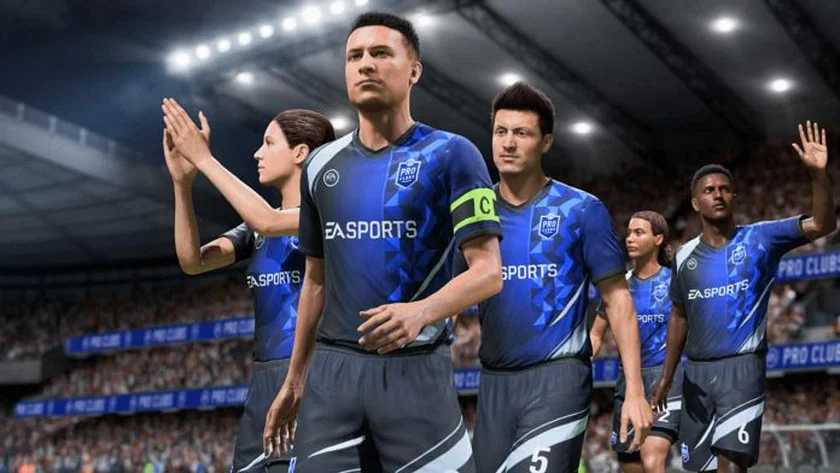
(Credit: Electronic Arts)

Despite numerous visual enhancements, the game’s system requirements are relatively forgiving, making it accessible to a wide range of PCs. Before diving into in-game settings, you can optimize your gaming experience through Windows with these adjustments:
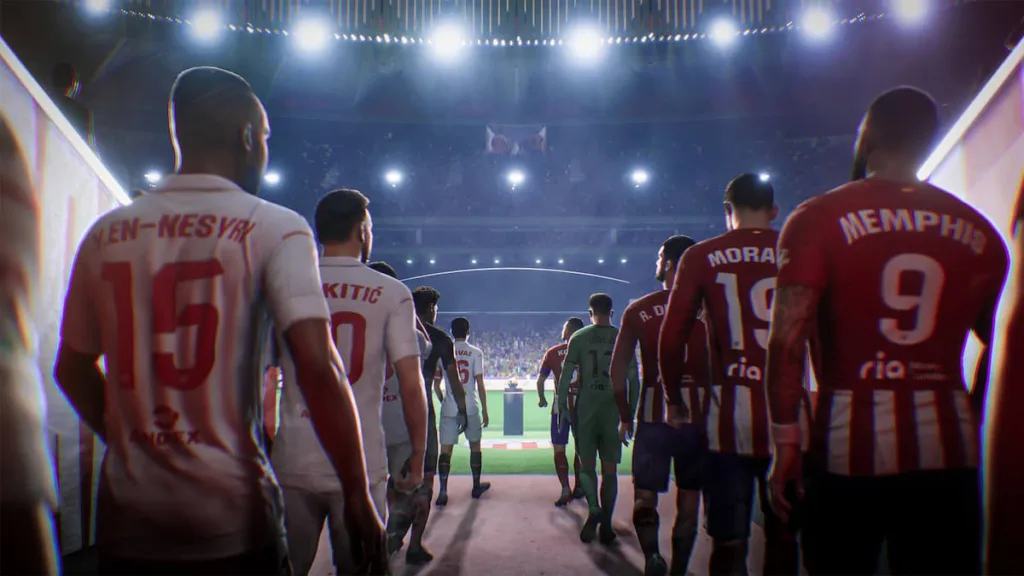
(Credit: Electronic Arts)
  1. Activate Game Mode: Enabling Game Mode allocates more system resources to your game, optimizing performance.
  2. Disable Xbox Game Bar: The Xbox Game Bar has a reputation for causing game crashes and stuttering. Disabling it is advisable unless Microsoft improves its performance.
  3. Enable Hardware-accelerated GPU Scheduling: This optimization can provide a 2-5% boost in graphical performance, reducing input lag and GPU bottlenecks.

(Credit: Electronic Arts)

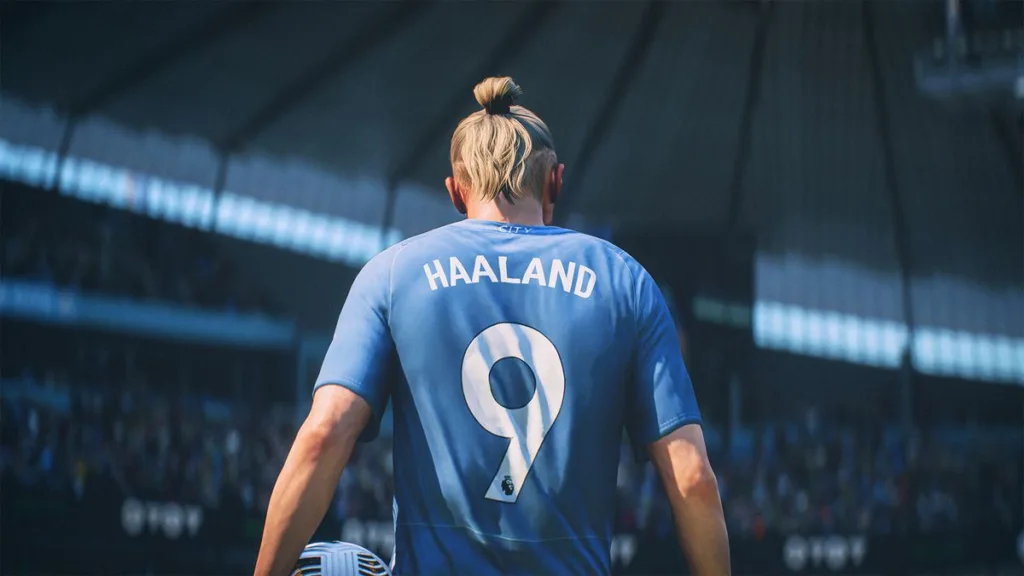
If your PC meets or surpasses the recommended requirements and you prioritize visual fidelity, you can set in-game settings to Ultra. However, for those seeking higher FPS and improved input responsiveness while maintaining decent visuals, consider these presets:
(Credit: Electronic Arts)
  • Resolution: Your monitor’s native resolution.
  • Display Mode: Full Screen (windowed modes may cause stuttering).
  • Refresh Rate: Max supported by your monitor.
  • Frame Rate: Uncapped FPS.
  • Vertical Sync: Off.
  • Dynamic Resolution Scale: Off.
  • Cutscene Quality: Half frame rate.
  • Stranded Hair: Disable for a 5-6% FPS boost.
  • Rendering Quality: High.
  • Grass Quality: Medium.
  • Crowd Quality: Low.
(Credit: Electronic Arts)

By following these settings, you can tailor your EA Sports FC 24 experience to your PC’s capabilities while achieving optimal performance and visual quality.

Share this:

  • Share on Facebook (Opens in new window) Facebook
  • Share on X (Opens in new window) X

Like this:

Like Loading...

Related

Tags: EA FC 24EA SportsGaminggaming performancegraphics settingsPC settings
Previous Post

Dying Light 2 to Introduce Firearms and Extensive Free Content in Upcoming Update

Next Post

EA FC 24’s RTTK Promo Reveals Dynamic Player Cards: Upgrades Based on Team Performance

abalpas

abalpas

Next Post

EA FC 24's RTTK Promo Reveals Dynamic Player Cards: Upgrades Based on Team Performance

Leave a ReplyCancel reply

Latest - Anime & Manga

Amazon introduces AI-made English dubbing for Banana Fish

Amazon introduces AI-made English dubbing for Banana Fish

December 1, 2025
New Girls Band Cry movie officially announced

New Girls Band Cry movie officially announced

September 24, 2025
DAN DA DAN Season 3

DAN DA DAN Season 3 Officially Announced

September 23, 2025

Jujutsu Kaisen Season 3 Trailer Confirms Split Release, Premieres January 2026

September 19, 2025
DAN DA DAN: Evil Eye Sets Early Fan Screening Dates in the Philippines

DAN DA DAN: Evil Eye Sets Early Fan Screening Dates in the Philippines

May 22, 2025
Takopi’s Original Sin Unveils Main Visual, Trailer, June 28 Release, and 6 Episodes Total

Takopi’s Original Sin Unveils Main Visual, Trailer, June 28 Release, and 6 Episodes Total

May 22, 2025
Console Chronicle

© 2026 JNews - Premium WordPress news & magazine theme by Jegtheme.

Navigate Site

  • Home
  • PC
  • PlayStation
  • Xbox
  • Nintendo Switch
  • Mobile
  • Esports
  • Anime and Manga

Follow Us

Welcome Back!

Login to your account below

Forgotten Password? Sign Up

Create New Account!

Fill the forms below to register

All fields are required. Log In

Retrieve your password

Please enter your username or email address to reset your password.

Log In

Add New Playlist

No Result
View All Result
  • Home
  • PC
  • PlayStation
  • Xbox
  • Nintendo Switch
  • Mobile
  • Esports
  • Anime and Manga

© 2026 JNews - Premium WordPress news & magazine theme by Jegtheme.

Discover more from Console Chronicle

Subscribe now to keep reading and get access to the full archive.

Continue reading


Loading Comments...
 

    %d