Call of Duty Mobile, the beloved mobile first-person shooter, continues to captivate players with its regular updates and innovative features. One such feature that has garnered significant attention is the ability to gift the Battle Pass to friends and fellow gamers. This addition enriches the gaming experience by allowing players to spread the excitement of unlocking exclusive rewards and content. In this comprehensive guide, we will walk you through the simple steps to gift the Battle Pass in Call of Duty Mobile.
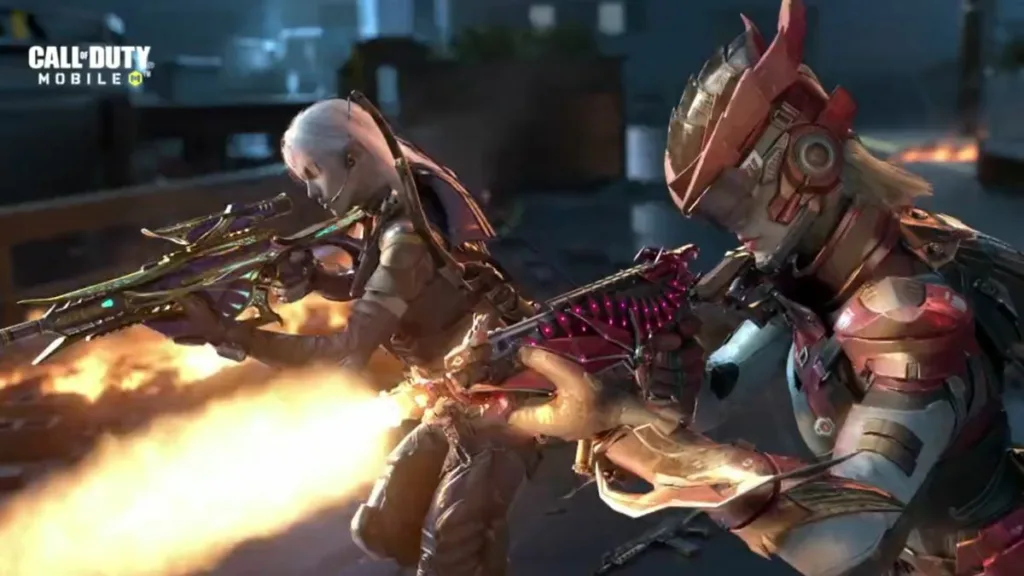
The Process of Gifting the Battle Pass:
- Access the In-Game Store: Begin by launching Call of Duty Mobile and entering the game’s main menu. Look for the “Store” option, and give it a tap to access the in-game store.
- Locate the Battle Pass Section: Within the in-game store, you’ll find a variety of sections and offers. Your destination is the “Battle Pass” section, where you can explore the Battle Pass tiers and related options.
- Choose the Desired Battle Pass: Select the specific Battle Pass that you wish to gift. Call of Duty Mobile typically offers two options: a premium Battle Pass with a plethora of exclusive rewards and a free Battle Pass with fewer rewards. Before proceeding, ensure that you have an adequate amount of in-game currency or COD Points to complete the purchase.
- Initiate the Gifting Process: Once you’ve made your Battle Pass selection, you should encounter an option to gift it to another player, be it a friend or acquaintance. Click on this option to proceed further.
- Select the Lucky Recipient: You’ll be prompted to choose a friend from your in-game friends list as the recipient of your thoughtful gift. To ensure smooth delivery, ensure that you have added the intended recipient as a friend within Call of Duty Mobile.
- Confirm the Gift Details: After selecting the recipient, take a moment to review the specifics of your gift, including the type of Battle Pass and its associated cost. Once satisfied, confirm your choice to proceed with the gifting process.
- Complete the Purchase: Follow the on-screen instructions to finalize the purchase. Depending on your gaming platform, you may need to enter your account password or utilize your preferred payment method to complete the transaction successfully.
- Notify the Recipient: Once your purchase is confirmed, the Battle Pass gift will be dispatched to your selected friend. The recipient will be promptly notified within the game about this generous gesture.
Essential Tips:
- To prevent any compatibility issues, make sure both you and the recipient are playing the same version of Call of Duty Mobile (e.g., the global version or Garena version).
- Verify that you possess enough in-game currency or COD Points to cover the cost of the Battle Pass you intend to gift.
- Always double-check the in-game username of your chosen recipient to ensure accurate delivery.
Gifting the Battle Pass in Call of Duty Mobile introduces a social and collaborative aspect to the game, allowing players to support one another in their quest to unlock thrilling rewards. Whether you’re joining forces with friends or surprising a fellow player, this feature strengthens the sense of community within the Call of Duty Mobile universe.
Share the exhilaration of battle and exclusive content by gifting the Battle Pass today!