
 Home
Home PC
PC PlayStation
 Xbox
Xbox Nintendo Switch
 Mobile
 Esports
 Anime and Manga

When playing My Time at Sandrock, encountering errors such as crashes, freezes, and screen tearing is not uncommon. In this comprehensive guide, we’ll explore effective solutions to address these issues and ensure a smooth and enjoyable gaming experience.
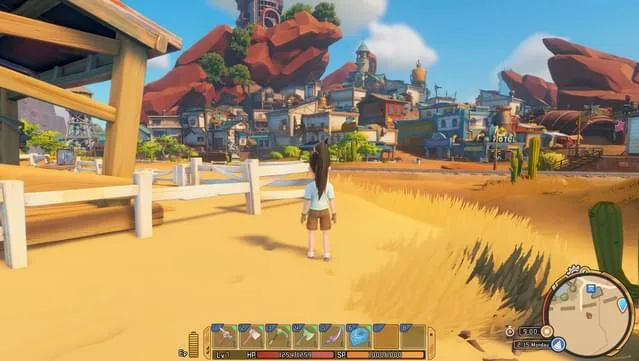
Common Errors in My Time at Sandrock:
- Issues with picking up assembled objects on the assembly table.
- Game crashes during gameplay.
- No sound in the game.
- Screen tearing problems.
- Unresponsive character controls.
- NPCs wearing swimwear after Pablo’s Fashion Show.
- Players experiencing lag.
- Sluggish UI when opening and switching.
- Rendering issues with AMD Integrated graphics.
- Alienware DLC content not being received.
How to Fix Different Errors in My Time at Sandrock:
- Resolving Assembled Object Issue:
- Try going to sleep in-game, which has resolved the issue for many players.
- If the problem persists, consider loading a previous save file.
- Dealing with Hardware and Settings Errors:
- Save and restart the game to refresh the system.
- Adjust graphics settings to match your computer’s specifications.
- Optimize graphics settings from High to Medium for smoother gameplay.
- Enable VSync and disable frame rate limitations to address screen tearing problems.
- Disconnect any additional controller options causing input issues.
- Regularly Update PC Components:
- Always ensure that both your PC and graphics card are updated to the latest versions.
Encountering errors during gameplay can be frustrating, but with the appropriate troubleshooting steps, many issues can be swiftly resolved. Stay updated with the latest information from the game developers and communicate any persistent issues for timely solutions.




