
 Home
Home PC
PC PlayStation
 Xbox
Xbox Nintendo Switch
 Mobile
 Esports
 Anime and Manga

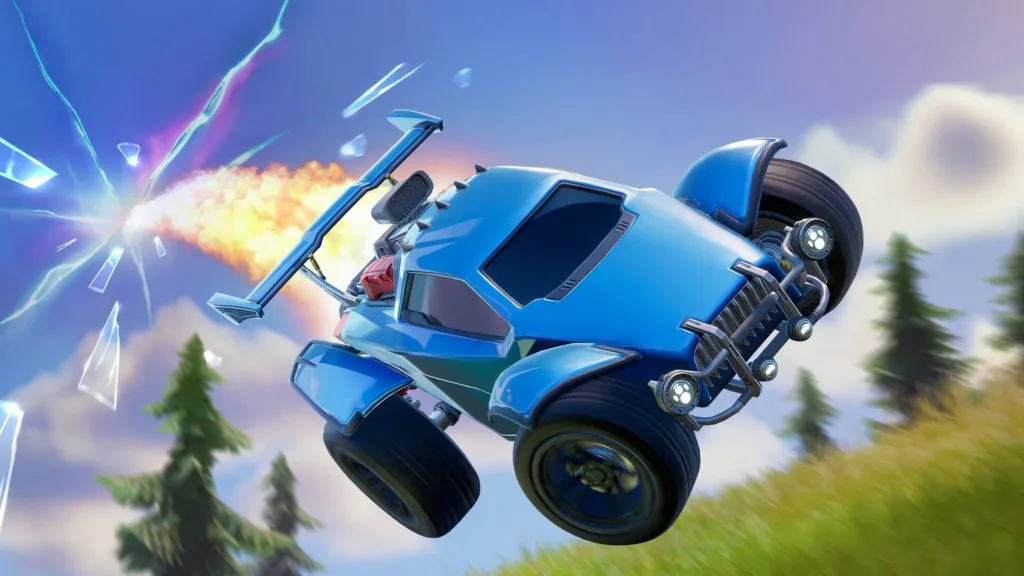
Unlocking iconic Rocket League cars in Fortnite Chapter 5 Season 1 is now a reality, allowing players to seamlessly transition between the two games on the same Epic Games account. If your Rocket League account isn’t linked to your Epic Games account yet, follow these steps for a hassle-free linking process:
- Head to the Rocket League activation page.
- Click “Log In” and sign in to your Epic Games account.
- Click “Check Setup” to verify your connection.
- Choose your primary platform, which determines where your Rocket Pass progress and competitive rank are tied. Note that you can change this once every 24 hours.
- Confirm your choice, and voila! Your Rocket League account is now linked to your Epic Games account.
Keep in mind that you can link up to five Epic Games accounts to your Rocket League account. If you’ve previously played Rocket League on a platform, your progress and inventory will automatically merge after linking.
Now, let’s delve into how you can get your Rocket League cars in Fortnite:
- Explore the new “Cars” section in players’ Lockers, featuring Car Bodies, Decals, and Wheels.
- Everyone starts with the OEM Wheels from Rocket League in their Locker.
- Assemble your Car using a Car Body and Wheels. No competitive advantage is gained from these items.
- Utilize your Sports Car in Fortnite Battle Royale or compatible creator-made islands once assembled. The car maintains its appearance throughout the match, even if others enter it.
- Initially, players can transform only one Sports Car per match/session.
- If you own Rocket League Car Bodies like Octane, Cyclone, Jäger 619, or Lamborghini Huracán STO, they automatically transfer to Fortnite upon account linking.
- Keep an eye out for Car Bodies in the Fortnite Shop through bundles containing additional Car items. Additionally, a Car Body is available in the Battle Pass.
Remember that you can unlink your Rocket League account from your Epic Games account at any time, but this action results in the loss of shared progress and inventory across platforms. Enjoy the unified experience across all your devices!
For the latest gaming updates and news, don’t forget to visit our dedicated gaming page. GAMING UPDATES Stay informed and level up your gaming experience with our fresh content!




