Customize your trainer’s flair in Pokemon Scarlet and Violet with various Throwing Styles. Here’s your guide to acquiring and switching them.

In the journey through The Indigo Disk DLC, a crucial step unfolds as you converge at the Central Plaza to meet Carmine, eventually encountering Drayton, a member of the BB League Elite Four. Your passage into the League Club room at Blueberry Academy marks the doorway to acquiring and switching Throwing Styles.
How to Unlock Throwing Styles in The Indigo Disk DLC
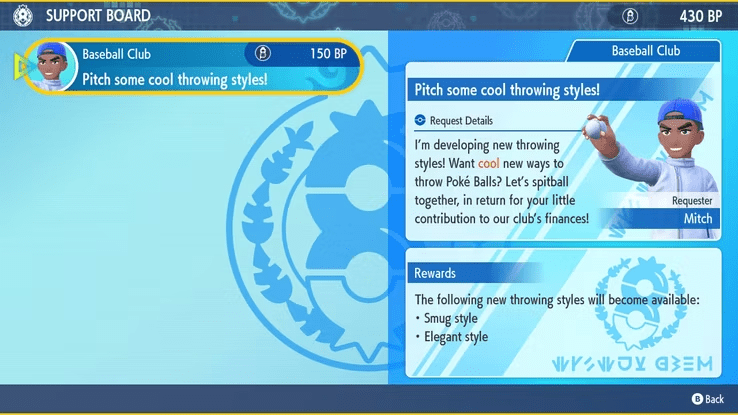
Interact with the PC in the League Club room to contribute BP (earned from completing BBQs) to student clubs. Donate 150 BP to the baseball club during the storyline to unlock the Smug and Elegant throwing styles.

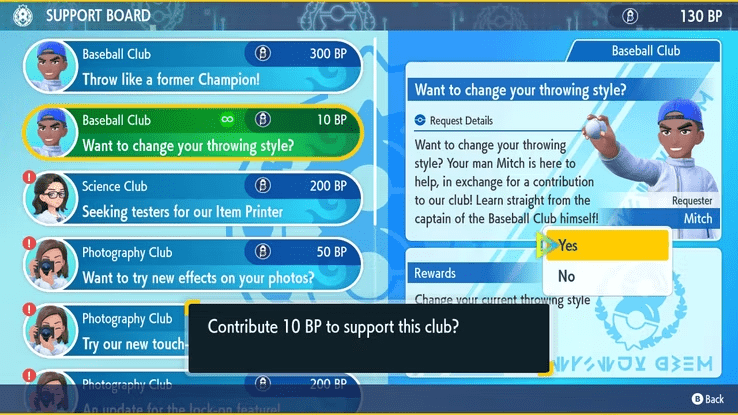
Return to the Support Board (PC) to contribute additional BP to the baseball club and unlock the Twirling and Ninja styles for the next request.
How to Customize Throwing Styles in Pokemon Scarlet and Violet
Unfortunately, there is no in-game menu option to change throwing styles while in the field. The process requires a return to the Support Board in the League Club room, where you can donate 10 BP to Mitch for a style change. It’s worth noting that a fee is applicable each time you wish to customize your throwing style.
Note: Unlocking wild Starter Pokemon in each biome is possible by contributing BP to the Terarium Club via the Support Board. However, each upgrade costs 3000 BP, necessitating some time to complete all four requests.
What are Throwing Styles?
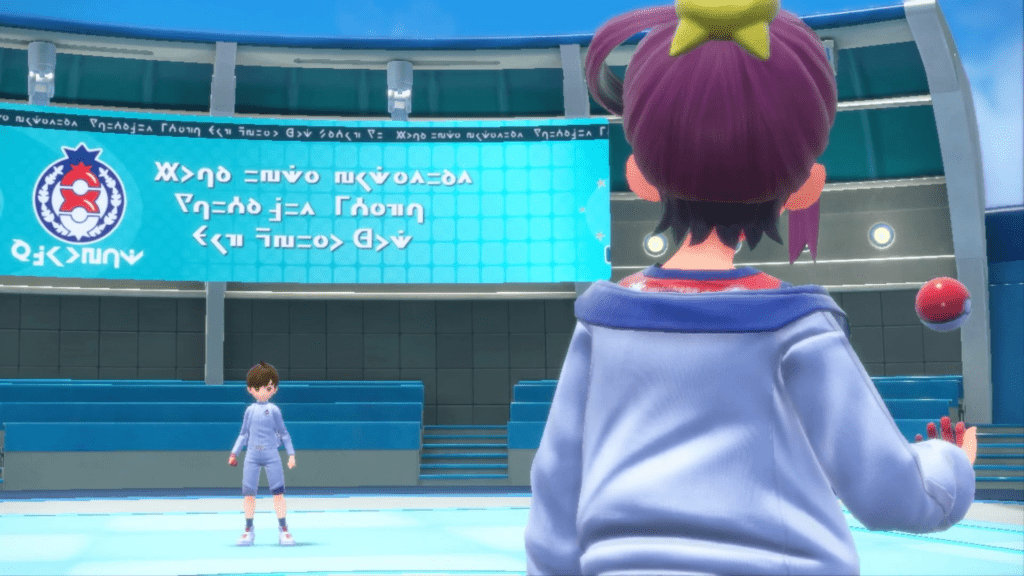
During a Pokemon battle with another trainer, your character will toss out the first Pokemon, and the equipped throwing style determines the corresponding motion. While there are no functional benefits to changing throwing styles, it serves as a visual customization, allowing your in-game Pokemon trainer character to stand out.