Bandai Namco’s Tekken 8 marks a significant evolution in their acclaimed 3D fighting game series, introducing a new storyline, characters, and game modes. To fully enjoy Tekken 8, achieving a stable and high frame rate is essential, especially given the competitive nature of fighting games. Adjusting settings for optimal performance can be daunting, so this guide is designed to simplify that process, helping you optimize Tekken 8 for a smooth experience on the Steam Deck.
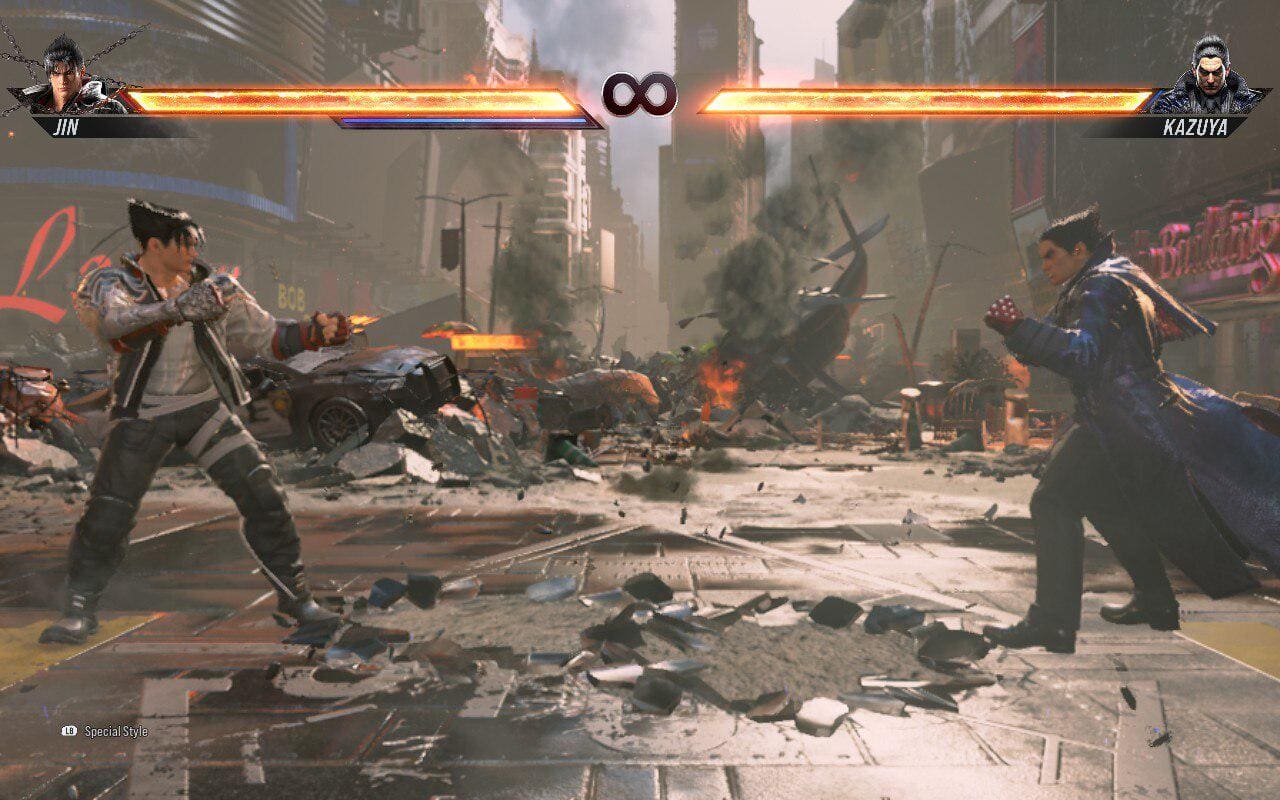
Optimized Tekken 8 Configuration for 60 FPS on Steam Deck
While Tekken 8 is currently unrated by Valve, it performs admirably on the Steam Deck with appropriate settings. First, ensure compatibility with the Proton Hotfix, which should download upon launching the game. Then, modify these settings to achieve consistent 60 FPS gameplay:
- Screen Mode: Borderless
- Resolution: 1280 x 800
- V-Sync: On
- Variable Rate Shading: Off
- Rendering Quality Preset: Custom
- Rendering Scale: Custom
- Upscaling: FSR 2 Quality
- Anti-Aliasing Quality: Low
- Shadow Quality: Low
- Texture Quality: Medium
- Effect Quality: Low
- Post-Processing Quality: Low
- Background Quality: Low
These settings typically deliver stable performance between 50 and 60 FPS, with the game capped at 60 FPS.
Tekken 8 Configurations for Stable 30 FPS Gameplay on Steam Deck
For those who prefer enhanced visuals over higher frame rates, limiting the Steam Deck to 30 FPS can provide a more visually appealing experience. Here are the settings for a stable 30 FPS:
- Screen Mode: Borderless
- Resolution: 1280 x 800
- V-Sync: Off
- Variable Rate Shading: Off
- Rendering Quality Preset: Custom
- Rendering Scale: Off
- Upscaling: TAAU
- Anti-Aliasing Quality: Medium
- Shadow Quality: Medium
- Texture Quality: Low
- Effect Quality: Medium
- Post-Processing Quality: High
- Background Quality: High
These adjustments offer a balanced approach, improving graphics while maintaining a steady 30 FPS.