
Introduction to the Gaming Monitor Buying Guide
When it comes to purchasing a new gaming monitor in 2026, there are several key factors to consider, and that’s why a gaming monitor buying guide is essential. From resolution and refresh rate to response time and panel type, the options can be overwhelming. In this guide, we’ll walk you through the step-by-step process of choosing the perfect gaming monitor for your needs.
Understanding the Basics
Before we dive into the specifics, let’s cover the basics. The most important factors to consider when buying a gaming monitor are resolution, refresh rate, and response time. Resolution refers to the number of pixels on the screen, with options including 1080p, 1440p, 4K, and even 8K. Refresh rate, measured in Hz, determines how often the screen updates, with common options including 144Hz, 240Hz, and more.
Resolution Options
- 1080p: Suitable for casual gaming and general use
- 1440p: Ideal for mid-range gaming and content creation
- 4K: Perfect for high-end gaming and professional applications
- 8K: The latest and greatest, but currently quite expensive
Choosing the Right Refresh Rate and Response Time
For gaming, refresh rate and response time are critical. A higher refresh rate, such as 144Hz or 240Hz, provides a smoother gaming experience. Response time, measured in milliseconds, affects motion clarity, with options ranging from 1ms to 4ms. When it comes to the gaming monitor buying guide, it’s essential to prioritize refresh rate and response time for an optimal gaming experience.
Refresh Rate Options
- 120Hz: Suitable for casual gaming
- 144Hz: Ideal for mid-range gaming
- 240Hz: Perfect for high-end gaming and competitive esports
Response Time Options
- 1ms: Ideal for fast-paced games and competitive esports
- 4ms: Suitable for casual gaming and general use
Additional Features to Consider
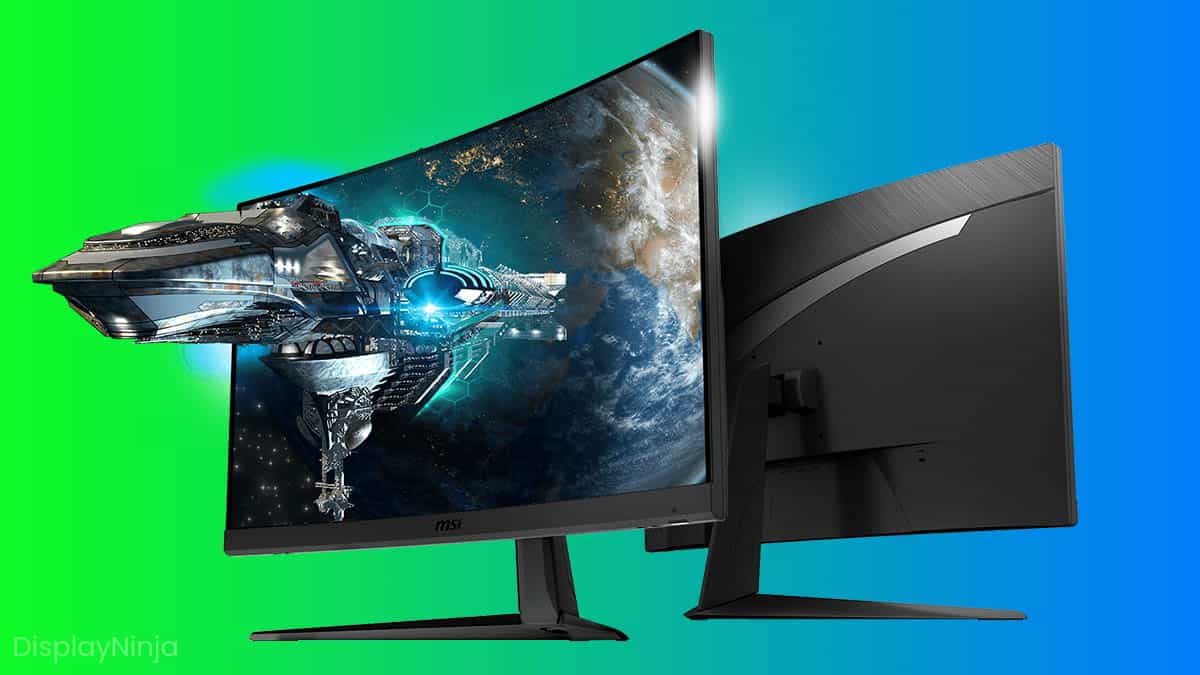
In addition to resolution, refresh rate, and response time, there are several other features to consider when buying a gaming monitor. These include panel type (such as OLED or Mini-LED), G-Sync or FreeSync technology, and curvature. When following a gaming monitor buying guide, it’s essential to consider these additional features to ensure you find the perfect monitor for your needs.
Panel Type Options
- OLED: Offers excellent color accuracy and contrast
- Mini-LED: Provides good color accuracy and contrast at a lower price point
Frequently Asked Questions
Here are some common questions and answers to help you in your search for the perfect gaming monitor.
- Q: What is the best resolution for gaming?
A: The best resolution for gaming depends on your specific needs and budget. 4K is currently the most popular option for high-end gaming. - Q: What is the difference between G-Sync and FreeSync?
A: G-Sync and FreeSync are both technologies that help reduce screen tearing and improve the overall gaming experience. The main difference is that G-Sync is developed by NVIDIA, while FreeSync is developed by AMD. - Q: Is a curved monitor worth the extra cost?
A: A curved monitor can provide a more immersive gaming experience, but it’s not essential for everyone. If you’re looking for a more cinematic experience, a curved monitor may be worth the extra cost.
Final Thoughts
In conclusion, buying a gaming monitor in 2026 can be a complex process, but with the right gaming monitor buying guide, you can find the perfect monitor for your needs. Remember to prioritize refresh rate, response time, and resolution, and consider additional features such as panel type and G-Sync or FreeSync technology. By following these steps and considering your specific needs and budget, you’ll be well on your way to finding the perfect gaming monitor for an optimal gaming experience, and that’s why a gaming monitor buying guide is so important.