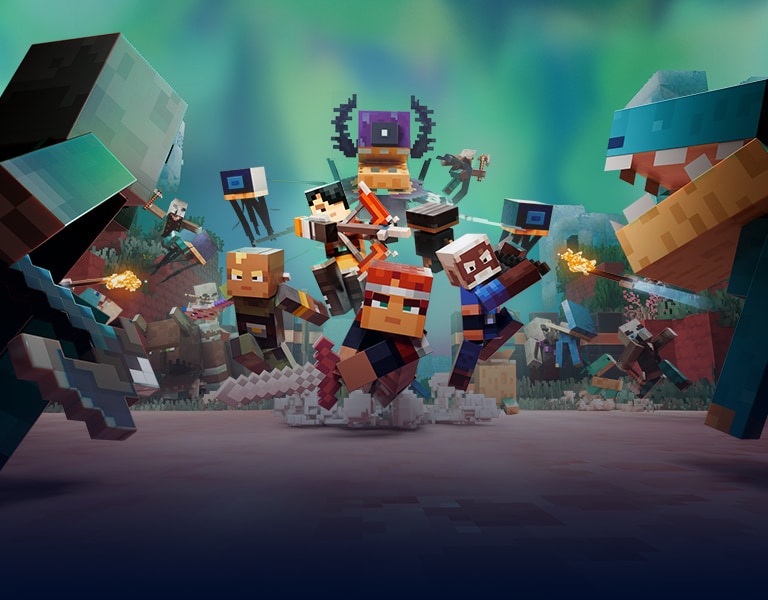

Minecraft Dungeons II drops you into a sprawling, interconnected world that demands a fresh strategy for every dungeon crawl. This guide walks you through each step, from the moment you hit “Play” to mastering the new gear systems and co‑op features that define the sequel.
Getting Started: Installation and First‑Run Setup
Before you can swing that sword, make sure you have the September 29, 2026 release installed on your platform of choice—whether it’s Xbox, PlayStation, PC, or the newly supported Nintendo Switch.
- Pre‑order Bonuses: Claim any exclusive skins or early‑access gear that came with your pre‑order. These items not only look cool but often grant a small stat boost that eases early difficulty spikes.
- Account Sync: Link your Microsoft/Xbox Live account to enable cross‑save and seamless co‑op invitations across devices.
- Adjust Settings: Set your graphics to a comfortable framerate; the open‑world maps can be demanding, especially on handhelds.
Pro Tip: Turn on “Dynamic Difficulty” in the options menu. The system subtly scales enemy health based on your gear, giving you a smoother learning curve.
Step‑by‑Step: Mastering the New Gameplay Systems
The sequel expands the classic dungeon‑crawling formula with an interconnected open world, expanded gear slots, and fresh combat mechanics. Follow these numbered steps to get the most out of every adventure.
- Select Your Class and Customize Gear Slots: Unlike the original, Minecraft Dungeons II offers four primary classes plus a “Hybrid” option. Each class now has three gear slots—weapon, armor, and artifact—plus a new “Utility” slot for consumables that grant temporary buffs.
- Explore the Interconnected World: The map is no longer a series of isolated levels. Use the world map to plot routes between biomes, discover hidden portals, and unlock shortcut tunnels that shave minutes off travel time.
- Learn the New Combat Mechanics: Enemies now have shield phases and elemental resistances. Time your attacks to break shields, then switch to an elemental weapon (fire, ice, or lightning) for bonus damage.
- Gather and Upgrade Gear: Loot drops now include “Component” items that can be fused at the Gear Forge. Combine a blade fragment with a crystal to craft a weapon that scales with your level.
- Utilize the Utility Slot: Stock this slot with potions, scrolls, or the new “Echo Beacon” that revives fallen teammates without a full respawn.
- Engage in Co‑op Play: The sequel supports up to four players online or locally. Use the “Party Sync” feature to automatically balance enemy difficulty based on the highest‑level player.
- Complete World Events: Randomly generated events—such as “Twisted Invasion” or “Artifact Hunt”—appear on the map. Completing them grants exclusive cosmetics and a cache of high‑tier gear.
Pro Tip: When playing co‑op, assign one player to focus on shield‑breaking while another handles elemental damage. This division of labor maximizes DPS and keeps the team alive.
Optimizing Your Build for End‑Game Content
Once you’ve cleared the main storyline, the real challenge begins: tackling the “Eternal Abyss” raids and the “Twisted Realm” boss fights. Your build must be fine‑tuned.
- Prioritize Gear Synergy: Pair a lightning‑infused sword with an armor set that reduces cooldown on the Utility slot. This combo lets you spam “Echo Beacon” without delay.
- Invest in Artifact Upgrades: Artifacts now have three upgrade tiers. Focus on those that increase health regeneration or grant temporary invulnerability during shield phases.
- Balance Offense and Defense: The new “Stalwart” armor set offers high defense but reduces movement speed. Pair it with a “Swift Boots” utility item to offset the penalty.
Pro Tip: Keep a “Resilience Potion” in your Utility slot for boss fights that feature massive area‑of‑effect attacks. A single sip can halve incoming damage for 15 seconds.
FAQ
What platforms support Minecraft Dungeons II?
The game launched on September 29, 2026 for Xbox Series X|S, PlayStation 5, PC, and Nintendo Switch. All versions share the same content and cross‑play capabilities.
How does the new open world differ from the original’s linear levels?
Instead of isolated dungeons, the sequel presents a seamless world where biomes flow into each other. Players can backtrack, discover hidden shortcuts, and encounter random events that weren’t possible in the first game.
Can I play with friends who own the original Minecraft Dungeons?
No. Minecraft Dungeons II is a separate title with its own servers and matchmaking. However, players who own both games can switch between them without reinstalling.
Final Thoughts
Mastering Minecraft Dungeons II is about embracing its expanded systems—interconnected maps, deeper gear customization, and dynamic co‑op mechanics. Follow the steps above, experiment with gear synergies, and keep an eye on world events to stay ahead of the curve. With the right preparation, you’ll dominate every dungeon, claim the rarest loot, and become a legend in the new Minecraft adventure.