
 Home
Home PC
PC PlayStation
 Xbox
Xbox Nintendo Switch
 Mobile
 Esports
 Anime and Manga

Learn how to holster your weapon in Cyberpunk 2077, especially with the improved police system in the 2.0 patch.

In the wake of the 2.0 patch and the upcoming Phantom Liberty DLC, Cyberpunk 2077 is once again in the spotlight for all the right reasons. The latest patch has introduced numerous quality-of-life improvements, making it an opportune time to revisit the game. However, if you’ve been away from Night City for a while, you might need a refresher on some of the game’s mechanics, like how to holster your weapon. In this guide, we’ll walk you through the steps to holster your weapon in Cyberpunk 2077.
How to Holster Your Weapon in Cyberpunk 2077
Learning how to holster your weapon in Cyberpunk 2077 can save you from unnecessary trouble, especially with the enhanced police system introduced in the 2.0 patch. Here’s how to do it:
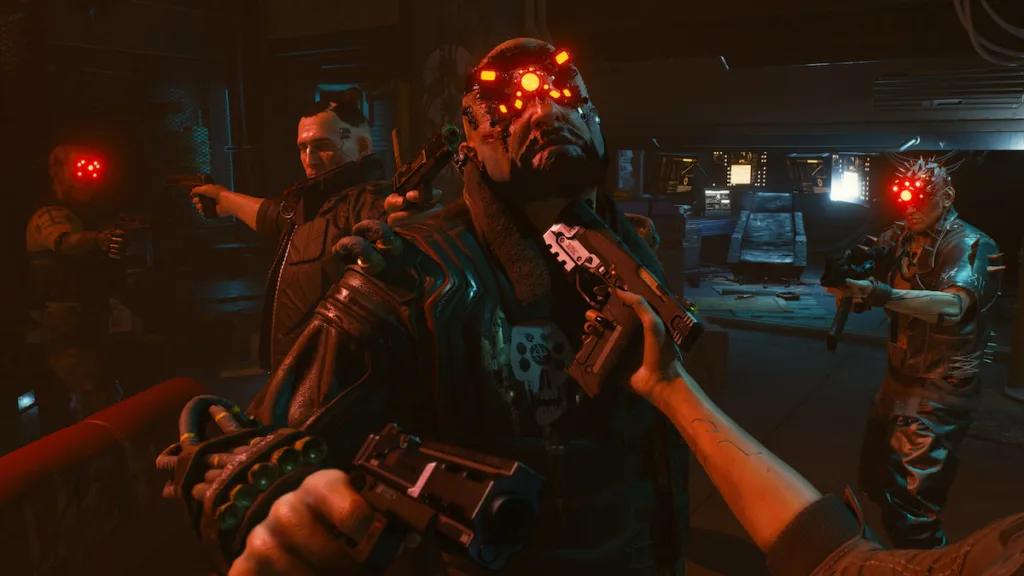
You can holster your weapon by double-pressing the weapon swap button. The specific buttons for different platforms are as follows:
- Keyboard and mouse: Double-press the Left Alt key.
- Xbox controller: Double-press the Y button.
- PlayStation controller: Double-press the Triangle button.
Why Should You Holster Your Weapon?
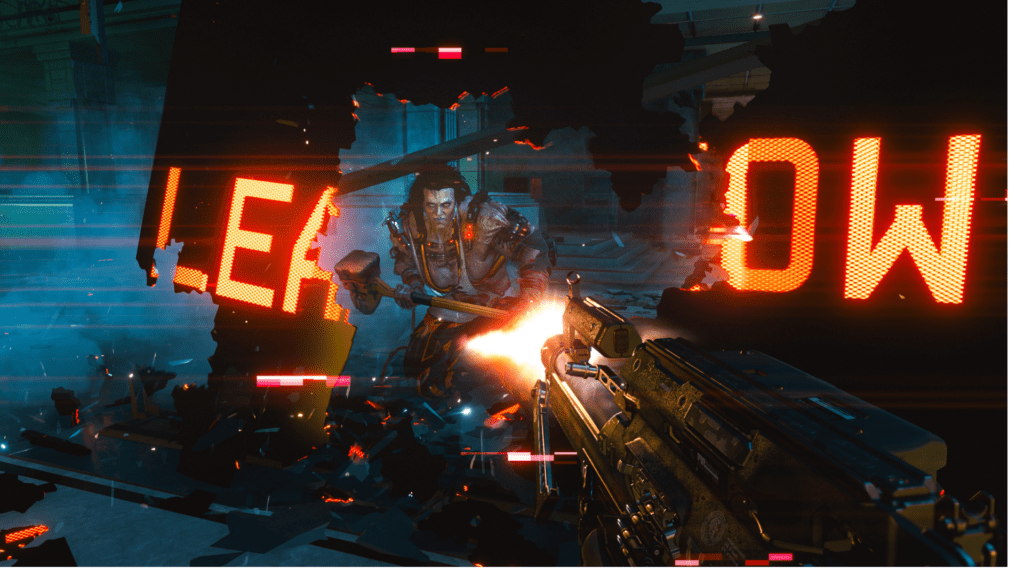
If you’ve ever wondered why random NPCs suddenly turn hostile and attack you, it’s likely because you had your weapon drawn. Holstering your weapon can significantly reduce hostility from NPCs, including the police.
With the improved police system, law enforcement in Night City is more vigilant than ever. They will not hesitate to confront and attack you if they catch you with your weapon out. To avoid unnecessary confrontations and trouble with the law, it’s advisable to holster your weapon after combat encounters or whenever you’re not actively engaged in combat.
Holstering your weapon is a simple but crucial mechanic that can help you navigate the streets of Night City more smoothly, ensuring a more enjoyable gaming experience in Cyberpunk 2077.




