


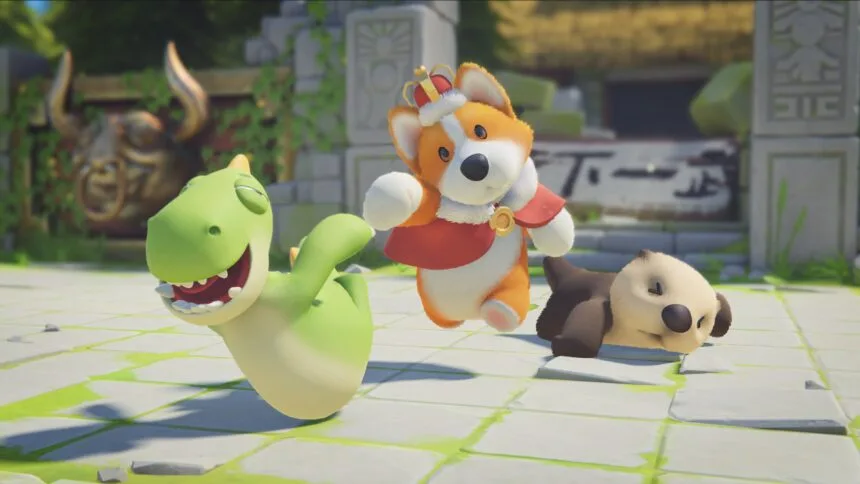
“Party Animals” offers uproarious fun as a multiplayer party game with a wobbly physics-based brawl. Created by Recreate Games, players assume the roles of various animals, including owls, puppies, sharks, and more, as they engage in button-mashing mayhem across a range of party game modes. These modes include everything from sports to classic beat-em-up arenas, complete with entertaining obstacles.
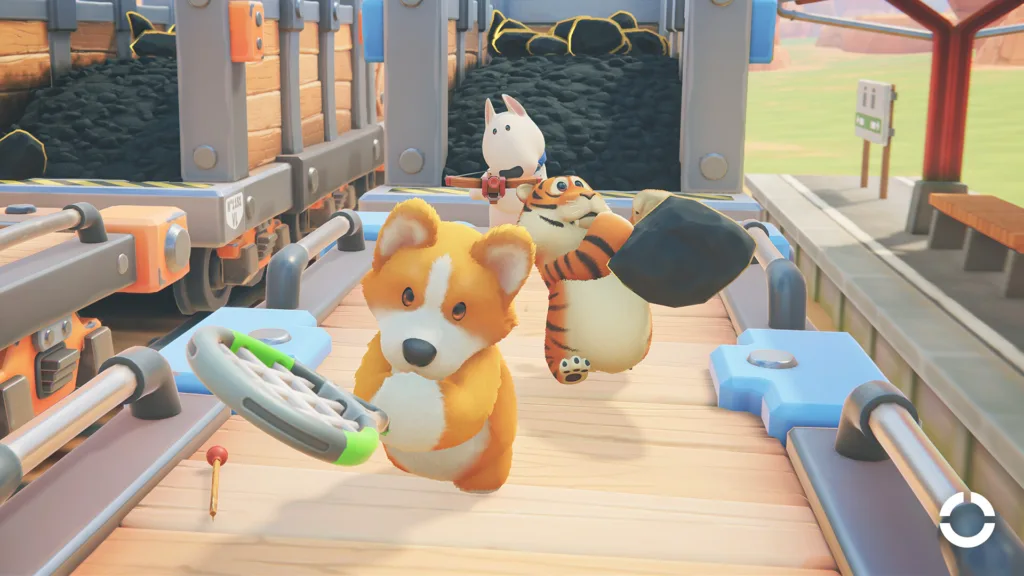
Much like other riotous party games like “Gang Beasts,” “Party Animals” deliberately features challenging controls and unpredictable physics. These quirks add to the enjoyment as players grapple with both controls and each other. Mastering maneuvers like throwing objects can be a bit tricky, but the game offers a helpful tutorial system. Here, players can practice their skills, including throwing, before diving into the full-blown fun.
In “Party Animals,” the comical struggles and unpredictability of the gameplay contribute to its appeal, making it a great choice for light-hearted gaming sessions with friends.
How to Throw in Party Animals
In “Party Animals,” while luck can play a part in winning, mastering the game’s controls can significantly improve your chances of success. The optional tutorial provides a comprehensive overview of essential controls, guiding players through different rooms to practice various moves, including the art of throwing objects or characters.
To execute a throw in “Party Animals” using an Xbox controller, players can follow these steps: While holding the right trigger to grab or pick up something, press and hold the X button to charge up the throw. Releasing the X button will launch the object or character. For PC players, using a mouse, simply press the right button to perform a throw.
For example, during the tutorial, players encounter a scenario where they must pick up and throw a green cube across a gap onto a pressure plate. Here, the correct direction and charging the throw are essential factors for achieving longer throw distances.
By mastering these controls and honing your throwing skills, you can gain a competitive edge in “Party Animals” and increase your chances of winning rounds.
Guidelines for Throwing in Party Animals
Executing a successful throw in Party Animals may seem straightforward, but it can be challenging, especially when facing off against aggressive players or AI opponents. To increase your chances of a successful throw, consider these tips:
- Timing is Key: Wait for an opponent to be downed, as there’s a slight delay when they’re knocked out, providing an opportunity for a throw.
- Lifting Takes Time: Keep in mind that lifting another animal above your character’s head requires time, so plan accordingly.
- Choose the Right Spot: It’s easier to throw opponents off an open edge rather than a fenced-off area where they can hold on more easily.
- Charge Up Your Throw: Charging up a throw is an effective way to send opponents flying off the stage quickly.
- Utilize Objects: Keep an eye out for objects that can be picked up and hurled at opponents, such as the flying fish that defeated players can launch during a match.
By following these tips, you can improve your throwing skills in Party Animals and increase your chances of victory in this chaotic and fun party game.



