


Dress your MyPlayer in style with our NBA 2K24 clothing guide, featuring locations to buy accessories, socks, clothes, and shoes in The City.
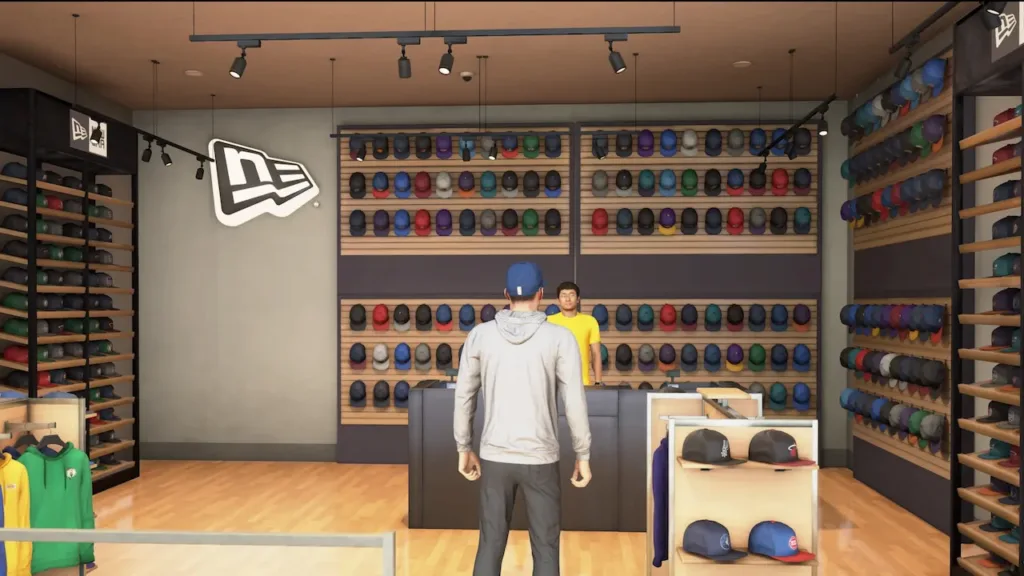
If you’ve just stepped into The City in NBA 2K24 and you’re eager to upgrade your character’s style, you’re not alone. Finding the right shops in the expansive City can be a bit bewildering, given the vast terrain. To make it easy for you, we’ve crafted an NBA 2K24 clothing guide that will lead you to the best spots for buying accessories, socks, clothes, and shoes to deck out your MyPlayer.
Where to Shop for New Clothes in NBA 2K24
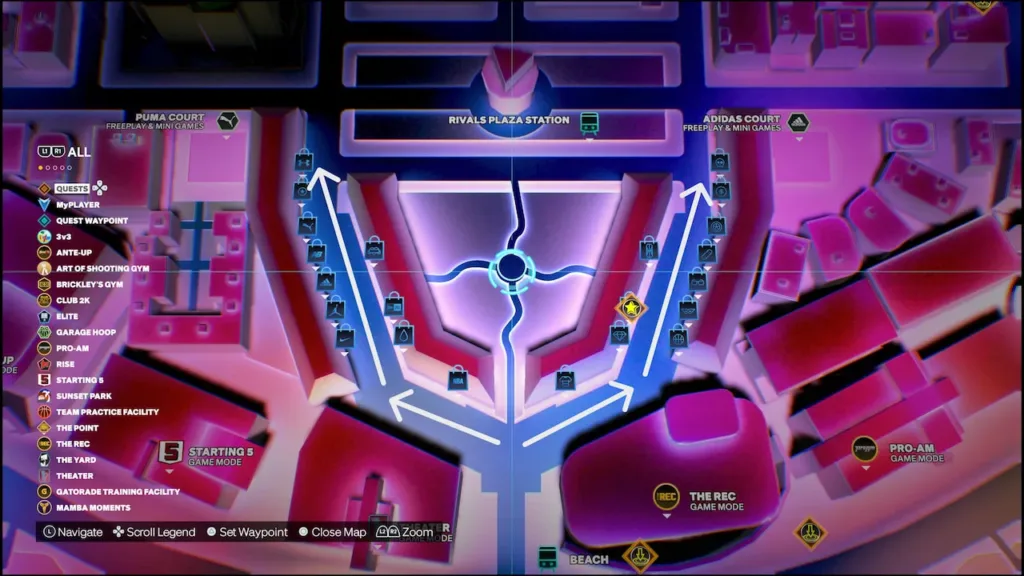
To spruce up your MyPlayer’s wardrobe in NBA 2K24 with accessories, socks, clothes, and shoes, make your way to the shopping center located south of Rival’s Plaza Station in The City. Refer to the map above for the precise location. At this bustling shopping plaza, you’ll discover a wide array of items ready for purchase, allowing you to personalize your MyPlayer with your preferred clothing and accessories.
The shopping plaza is divided into two sides: left and right. On the left side, you’ll find shops offering real-life official brands. Here are the licensed brands where you can shop for fresh clothing items and accessories:
- Under Armour
- Converse
- Puma
- New Balance
- Jordan
- Nike
On the right side of the shopping plaza, you’ll encounter additional clothing items, accessories, wheels, and tattoos. Here are the fictitious brands featured in NBA 2K24:

- 2K League
- Alter Ego
- Decks
- Dick’s Sporting Goods
- Embellish
- Finders Keepers
- Rise
- Specs
- State Farm
- Swags
- Tattoo Envy
- Wheels
Once you’ve located a shop with the accessories, socks, clothes, or shoes you desire, simply approach the counter and press the ‘Open Store Menu’ button (X on PlayStation, A on Xbox, B on Nintendo Switch). This allows you to try on items before making a purchase, ensuring they align with your player’s style.
Furthermore, if you’ve made multiple purchases and want to show them off immediately to other players, you can equip them directly from the buy menu, eliminating the need to navigate the in-game menus for each item. This not only saves you time but also spares you from any unnecessary hassle.



