


Learn how to modify the narrator’s voice actor in Mortal Kombat 1 and unlock new announcer voices.
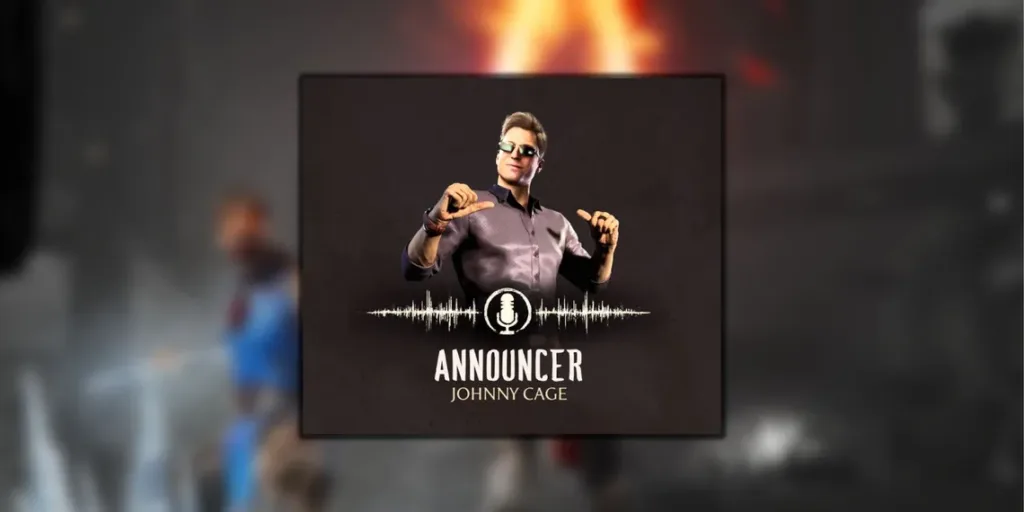
In Mortal Kombat 1, players have the option to alter the game’s narrator’s voice, known as the announcer, by unlocking and changing announcer voices. While the default voice is the familiar narrator from previous Mortal Kombat games, this guide provides instructions on how to change the announcer’s voice and explains the process of unlocking new voices.
Announcer Voice Settings:
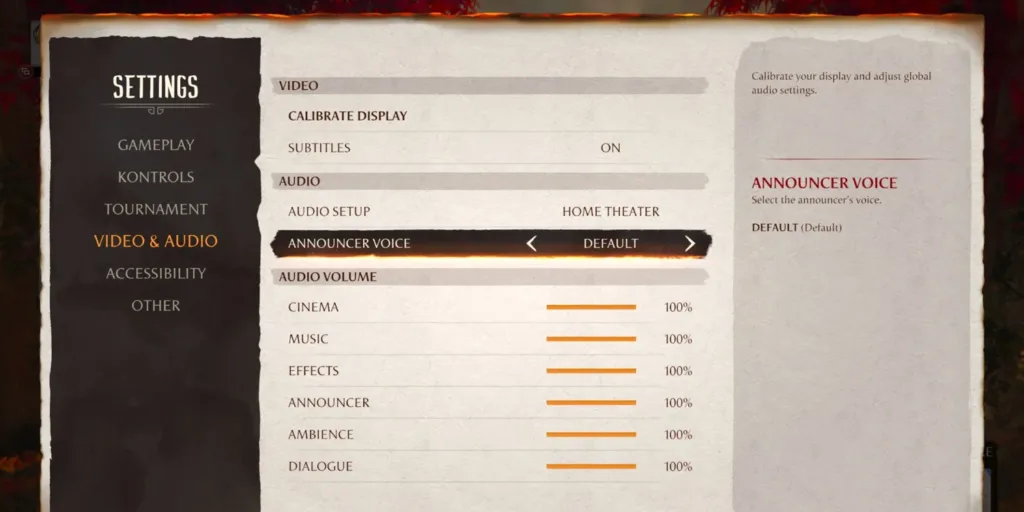
To change the announcer’s voice in Mortal Kombat 1, players should follow these steps:
- Navigate to the game’s settings.
- Select “Video & Audio.”
- Under the “Audio Setup” tab, toggle the voice option to choose a different announcer.
By default, the announcer voice is the one players are accustomed to from previous Mortal Kombat titles. However, it can be changed after unlocking new announcer voices.
How to Unlock New Announcer Voices:
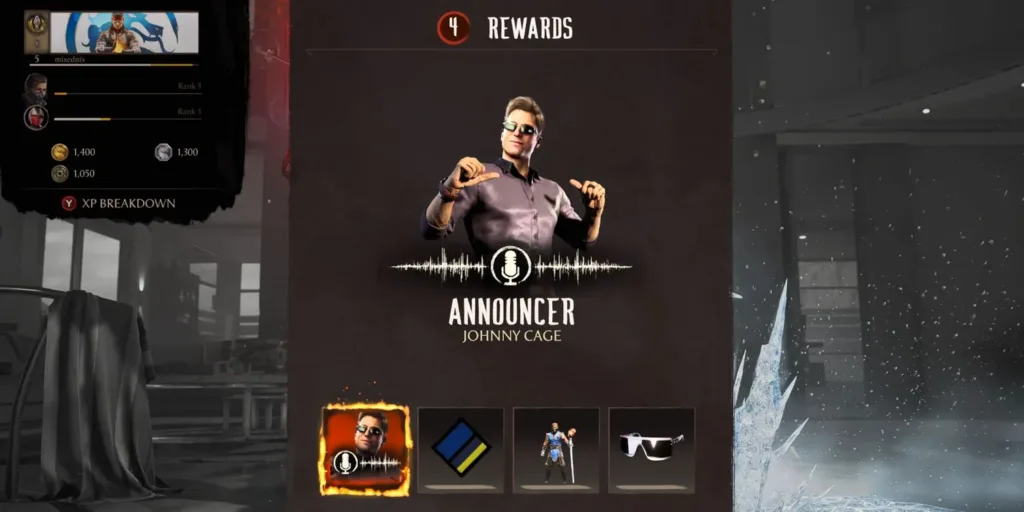
In Mortal Kombat 1, players can unlock new announcer voices by progressing in Story and Invasion Modes. The following are the announcers available and how to unlock them:
- Liu Kang: Complete Chapter 7 in Story Mode.
- Johnny Cage: Defeat the Klassic Actor Johnny Cage in Invasion.
- Geras: Reach Player Level 50.
- Shang Tsung: Purchase from the in-game Shop.
With these achievements, players can experience Mortal Kombat 1 with fresh and unique announcer voices.
Mortal Kombat 1 Announcer Voice Actors:

While the default announcer is voiced by Jamieson Price, who has been the announcer since Mortal Kombat 9, the new announcer voices in Mortal Kombat 1 are performed by different voice actors:
- Alan Lee: Voices Shang Tsung.
- Matthew Yang King: Voices Liu Kang.
- Andrew Bowen: Voices Johnny Cage.
- Phil LaMarr: Voices Geras.
It’s worth noting that while Jean-Claude Van Damme provides an alternate voice for Johnny Cage, he is not among the announcers in Mortal Kombat 1.



