


In the ever-evolving world of Cities: Skylines 2, the ability to rotate buildings seamlessly is essential for effective city planning, whether you’re a meticulous strategist or an adaptable tactician. With limited space at your disposal, the capacity to maneuver and reorient buildings is crucial for optimizing your city’s layout, enhancing road networks, and improving overall efficiency.
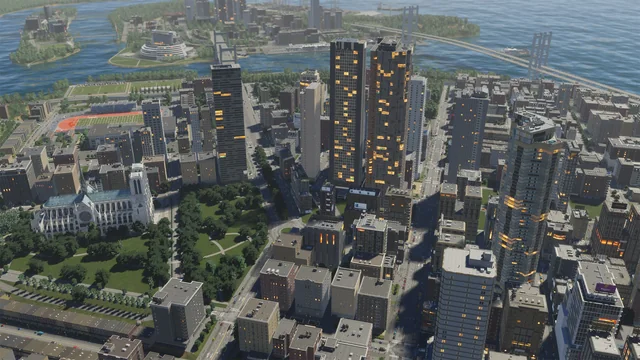
Rotating Buildings in Cities: Skylines 2:
To rotate buildings in Cities: Skylines II, utilize your mouse’s right-click button. While this feature applies to individually placed buildings, it’s important to note that right-clicking while zoning will remove the designated zones.
Once you’ve selected an individual building, a single right-click will initiate a slight rotation. You can continue this action until the building aligns with your desired orientation. However, there’s an even more effective technique at your disposal.
For a more precise and controlled rotation, hold down the right-click button and gradually drag the mouse in your preferred direction. This method grants you enhanced dexterity in adjusting the positioning of buildings in Cities: Skylines II.
Furthermore, if you release the right mouse button, the building will remain in its new position, affording you the opportunity to relocate it to your desired location or further fine-tune its alignment.



