• About
  • Advertise
  • Privacy & Policy
  • Contact
Console Chronicle
  • Home
  • PC
  • PlayStation
  • Xbox
  • Nintendo Switch
  • Mobile
  • Esports
  • Anime and Manga
No Result
View All Result
  • Home
  • PC
  • PlayStation
  • Xbox
  • Nintendo Switch
  • Mobile
  • Esports
  • Anime and Manga
No Result
View All Result
Console Chronicle
No Result
View All Result

Mastering the No Rest for the Wicked Heist: Grabbing an Executive in Payday 3

owaizkh by owaizkh
April 12, 2025
in PC
0 0
0
0
SHARES
15
VIEWS
Share on FacebookShare on Twitter

Learn the Essential Steps to Successfully Grab an Executive and Access the Vault in Payday 3’s No Rest for the Wicked Heist

In Payday 3’s diverse heist scenarios, players encounter unique challenges, such as grabbing an executive without compromising stealth in the No Rest for the Wicked heist. This objective is crucial for scanning the executive’s face and gaining entry into the vault, providing access to lucrative rewards. Mastering this task requires strategic planning and precise execution.

How to Grab an Executive in Payday 3: No Rest for the Wicked Heist
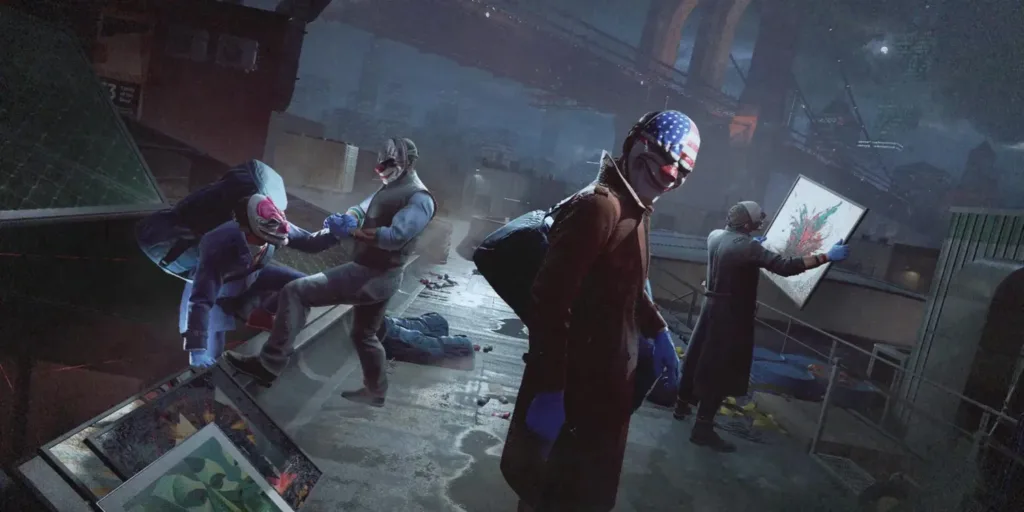
1. Close the Curtains: Use nearby keys to close curtains, ensuring your concealment and preventing detection.

2. Observe Executive’s Movements: Study the executive’s patterns and identify optimal cover spots, like partition walls.

3. Mask Up at the Right Moment: Wear your mask strategically while staying close to walls and away from cameras.

4. Utilize the Human Shield: Seize the right opportunity to grab the executive, using him as a shield to maneuver safely.

5. Move Stealthily: Stay hidden while descending stairs with the executive in tow.

6. Disable the Camera: Reach the vault and use a silenced pistol to disable the camera.

7. Facial Scan: Position the executive in front of the face scanner and initiate a facial scan to gain access to the vault.

Alternative Method: Accessing the Vault Without an Executive
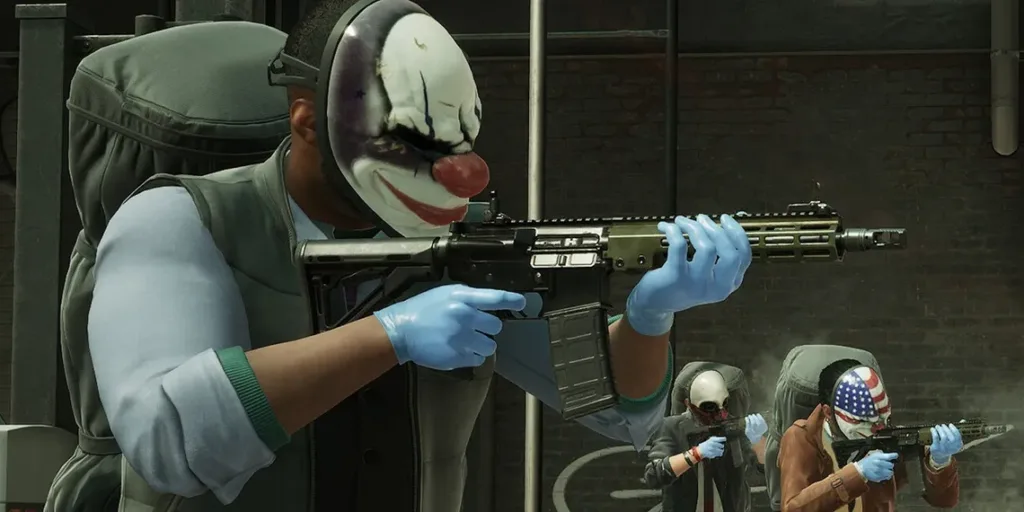
Players can opt for a method bypassing the executive:

1. UV Flashlight Method: Use a UV flashlight on the code pad to reveal the vault code’s digits.

2. Trial and Error: Experiment with different combinations until finding the correct four-digit code. If unsuccessful, players can leave the vault room and return after the code resets.

3. Default Code: Alternatively, enter the following code to unlock the vault: 6115, 2241, 3004, 3787.

By mastering these techniques, players can efficiently complete the No Rest for the Wicked heist, accessing the vault and securing their rewards in Payday 3.

    Share this:

    • Share on Facebook (Opens in new window) Facebook
    • Share on X (Opens in new window) X

    Like this:

    Like Loading...

    Related

    Tags: Gaming tips and tricksPayday 3Pc gamingPlayStation 5Xbox Series X/S
    Previous Post

    Experience the Thrilling Fusion of Golf and Adventure with Par For the Dungeon, Now Available on PC via Steam!

    Next Post

    Diablo 4 Temporarily Disables Crossplay Feature Due to Season 2 Release Issues

    owaizkh

    owaizkh

    Next Post

    Diablo 4 Temporarily Disables Crossplay Feature Due to Season 2 Release Issues

    Leave a ReplyCancel reply

    Latest - Anime & Manga

    Amazon introduces AI-made English dubbing for Banana Fish

    Amazon introduces AI-made English dubbing for Banana Fish

    December 1, 2025
    New Girls Band Cry movie officially announced

    New Girls Band Cry movie officially announced

    September 24, 2025
    DAN DA DAN Season 3

    DAN DA DAN Season 3 Officially Announced

    September 23, 2025

    Jujutsu Kaisen Season 3 Trailer Confirms Split Release, Premieres January 2026

    September 19, 2025
    DAN DA DAN: Evil Eye Sets Early Fan Screening Dates in the Philippines

    DAN DA DAN: Evil Eye Sets Early Fan Screening Dates in the Philippines

    May 22, 2025
    Takopi’s Original Sin Unveils Main Visual, Trailer, June 28 Release, and 6 Episodes Total

    Takopi’s Original Sin Unveils Main Visual, Trailer, June 28 Release, and 6 Episodes Total

    May 22, 2025
    Console Chronicle

    © 2026 JNews - Premium WordPress news & magazine theme by Jegtheme.

    Navigate Site

    • Home
    • PC
    • PlayStation
    • Xbox
    • Nintendo Switch
    • Mobile
    • Esports
    • Anime and Manga

    Follow Us

    Welcome Back!

    Login to your account below

    Forgotten Password? Sign Up

    Create New Account!

    Fill the forms below to register

    All fields are required. Log In

    Retrieve your password

    Please enter your username or email address to reset your password.

    Log In

    Add New Playlist

    No Result
    View All Result
    • Home
    • PC
    • PlayStation
    • Xbox
    • Nintendo Switch
    • Mobile
    • Esports
    • Anime and Manga

    © 2026 JNews - Premium WordPress news & magazine theme by Jegtheme.

    Discover more from Console Chronicle

    Subscribe now to keep reading and get access to the full archive.

    Continue reading


    Loading Comments...
     

      %d