


Learn How to Save Progress in the Depths of Khazad-dum and Safeguard Your Journey in LOTR: Return to Moria.
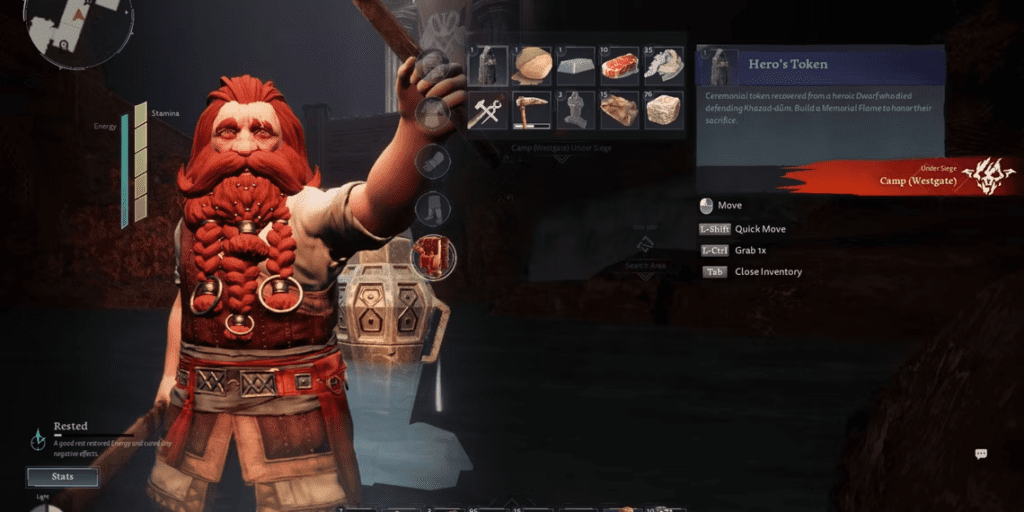
The recently launched survival-crafting video game, Lord of the Rings: Return to Moria, immerses players in an epic adventure through the legendary Khazad-dum, the ancient realm of Durin’s Folk beneath the Misty Mountain. Led by Gimli, a company of dwarves embarks on a quest to reclaim Moria, the fallen Dwarven Kingdom.
The vast subterranean world of LOTR: Return to Moria is a complex labyrinth filled with tunnels, chambers, mines, and the menacing presence of Orcs and Cave Trolls. Players, while building bases and unearthing hidden relics within the ruins of Moria, need not worry about their hard-earned progress vanishing into thin air.
How to Safeguard Your Quest in Return to Moria
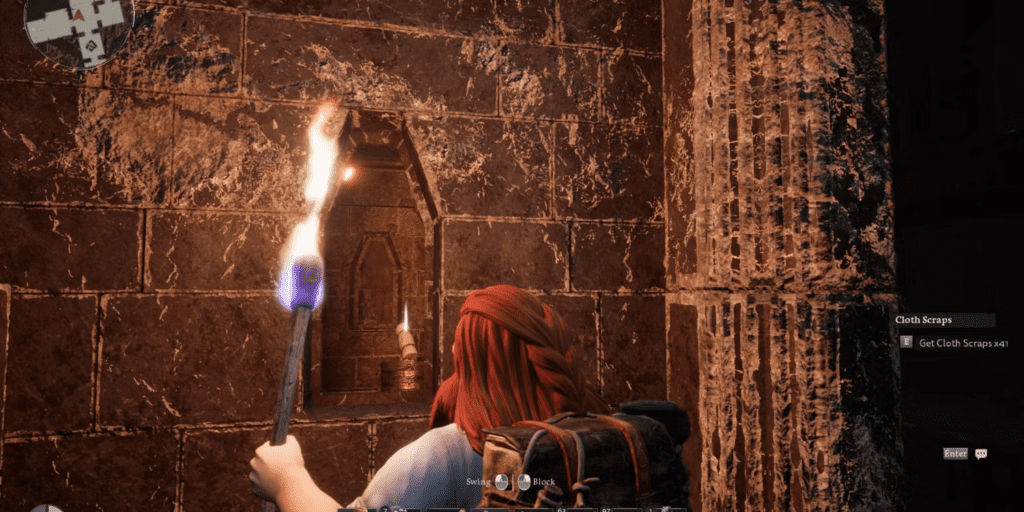
Lord of the Rings: Return to Moria introduces an automatic save feature, ensuring players’ progress is preserved each time they exit their world without the need for manual saves.
The game autonomously saves progress at key junctures, such as quest completions, area transitions, or construction of structures. This feature guarantees that players can effortlessly continue their journey, even when circumstances require a sudden game exit. The autosave functionality proves invaluable in situations involving player character death or formidable boss battles.
In the game, each procedurally generated world functions as a save file. It stores a player’s bases, resources, quests, and other accomplishments. Players can easily load their world for offline or online adventures, whether solo or with friends.
For PC users, the game’s saved files can be found at C:\Users\USERNAME\AppData\Local\Moria\Saved\SaveGames.
In the depths of Moria, the autosave feature stands as an indispensable asset. It elevates the overall gaming experience by reducing stress and bolstering enjoyment. Quietly and efficiently operating in the background, it diligently safeguards the fruits of a player’s labor, ensuring no progress is lost.
How to Load a Saved Game

To load a previously saved game in LOTR – Return to Moria, follow these straightforward steps:
- Launch the game.
- Click “Play.”
- Select “Load World.”
- Pick the desired world from the list.
- Choose whether to host the adventure online or embark on a solo journey offline.



