


Learn the ropes of hiring maids in The Sims 4 to lighten the household workload for busy Sims with bustling careers.
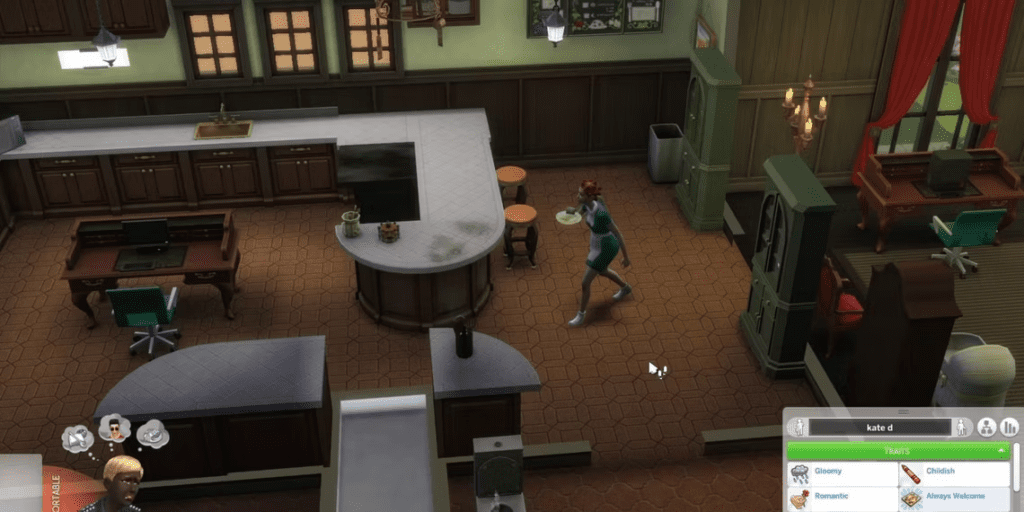
In The Sims 4, managing a Sim’s hectic life often leaves household chores unattended. For players seeking a cleaner solution, hiring a maid becomes essential. Discover how to bring in household help with this guide on hiring maids in The Sims 4.
How to Employ a Maid in The Sims 4

the-sims-4-hire-maid
Sims leading full-time careers often juggle numerous responsibilities, making it arduous to maintain a pristine household. Hiring a maid alleviates this burden, allowing Sims to focus on their professional aspirations while the maid tends to household chores. From tidying up to managing laundry and trash, the maid ensures the home stays clean and organized.
Please note that only Young Adults and older Sims can hire maids in The Sims 4.
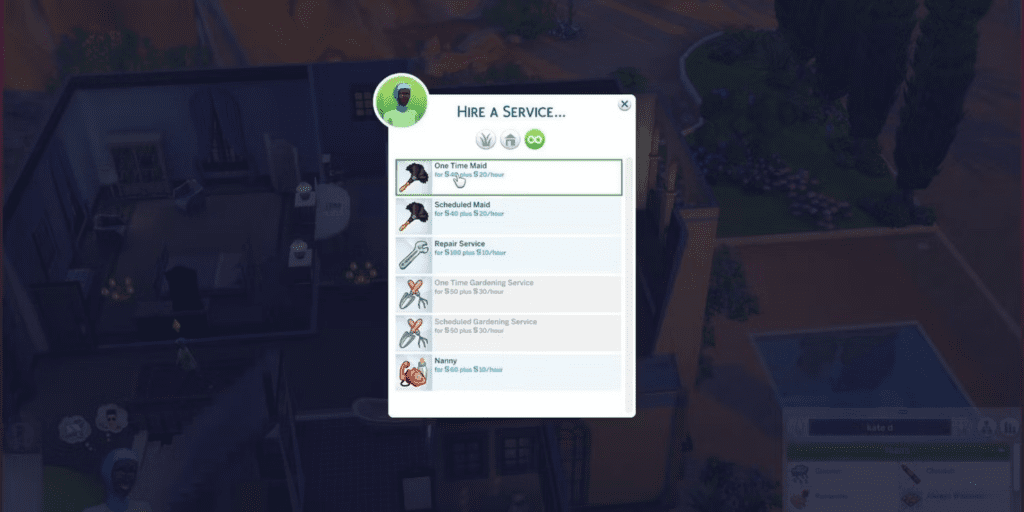
To employ a maid, access the phone and navigate to the ‘House’ icon. Select “Hire a Service,” then opt for “Cleaning Service.” Choose between a one-time cleaning or regular cleaning services. Opting for the latter schedules daily maid visits for ongoing upkeep. Upon selection, a confirmation message with the scheduled maid arrival time appears in the top right corner.
While hiring a maid offers convenience, they might occasionally prove unreliable, leaving tasks undone. Beware, as maids might pilfer items if left unattended.
Remember to compensate the maid once they complete their tasks. Players will receive a notification regarding the maid’s wage upon their departure.



