Improving your Warcraft Rumble performance often relies on strengthening your army rather than refining strategies. While leveling up minis boosts their stats, the true game-changer is upgrading mini Rarity (color). This not only provides a free bonus level to the troop but also unlocks Talent slots, giving your gameplay a strategic edge.
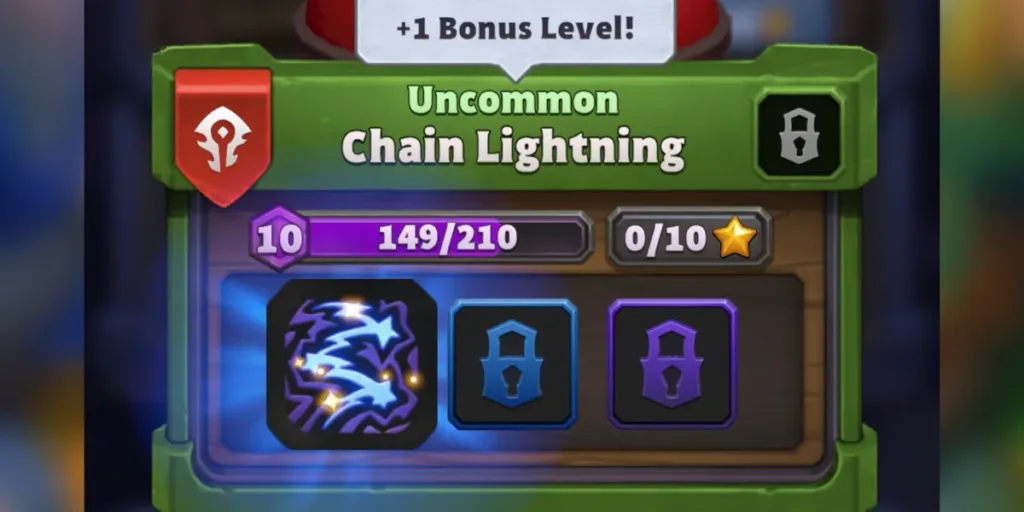
To upgrade minis in Warcraft Rumble, players need to follow a process that doesn’t involve Gold, unlike other in-game purchases. Instead, it utilizes three unique account currencies: Arc Energy, Stars, and various tiers of Upgrade Cores. Earning these currencies through specific methods allows players to enhance a mini’s Rarity.
First, Earn Enough Stars, Arc Energy, & Upgrade Cores To Level Up
To upgrade mini Rarity in Warcraft Rumble, players require three essential elements: Stars, Arc Energy, and Upgrade Cores. Different Rarity levels have distinct requirements, ranging from Uncommon to Legendary. Each demands a specific combination of Stars and Arc Energy, along with Upgrade Cores.
- Uncommon Mini Upgrade: 3 Stars, 500 Arc Energy
- Rare Mini Upgrade: 10 Stars, 2000 Arc Energy, 1 Rare Upgrade Core
- Epic Mini Upgrade: 25 Stars, 8000 Arc Energy, 1 Epic Upgrade Core
- Legendary Mini Upgrade: 25 Stars, 20000 Arc Energy, 1 Legendary Upgrade Core
To earn Stars, players can explore the G.R.I.D. and watch out for +1 Star upgrades for collected troops. The G.R.I.D. refreshes with every purchase and daily at midnight. While the G.R.I.D. might provide sufficient Stars at times, players should exercise caution about spending too much Gold without having the necessary Arc Energy and Upgrade Cores.
The primary source of Cores and Arc Energy in Warcraft Rumble is grinding Dungeons. Each week, a new dungeon becomes available, requiring different Leader types for participation. Completing Dungeons rewards players with Arc Energy, Cores, and other upgrades tied to Army progression.
How To Upgrade Minis In Warcraft Rumble
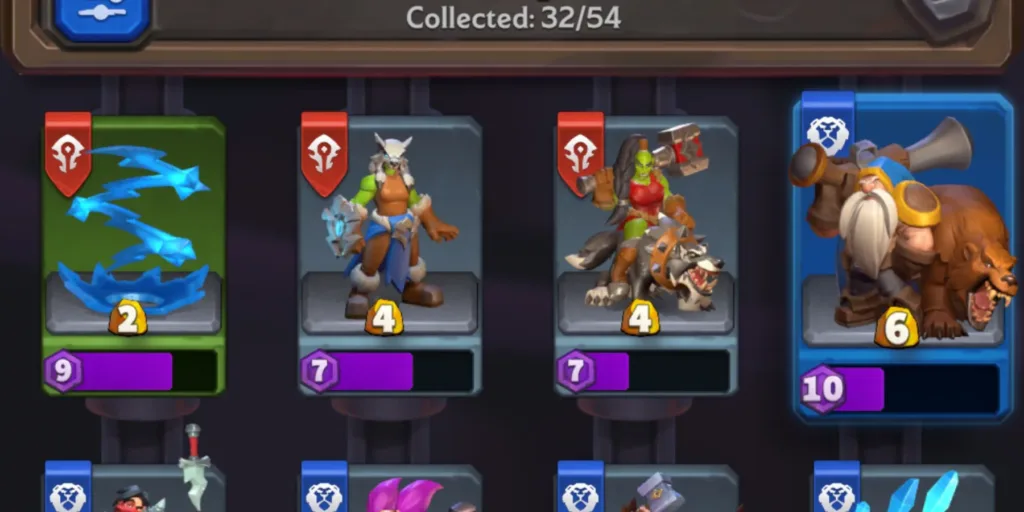
Minis eligible for upgrades are identified by a gold arrow next to their icon. Navigate to the Collection screen, select the upgradable mini, and tap the “Upgrade” button at the bottom of the screen. If you possess the required materials, press “Upgrade” again on the subsequent screen, witnessing the mini’s transformation along with the opening of a new Talent slot. While an upgraded mini doesn’t come with available Talents, they can be purchased separately in the G.R.I.D. It’s crucial to note that only one slot opens with each Rarity tier, automatically filling up when an applicable Talent is acquired.