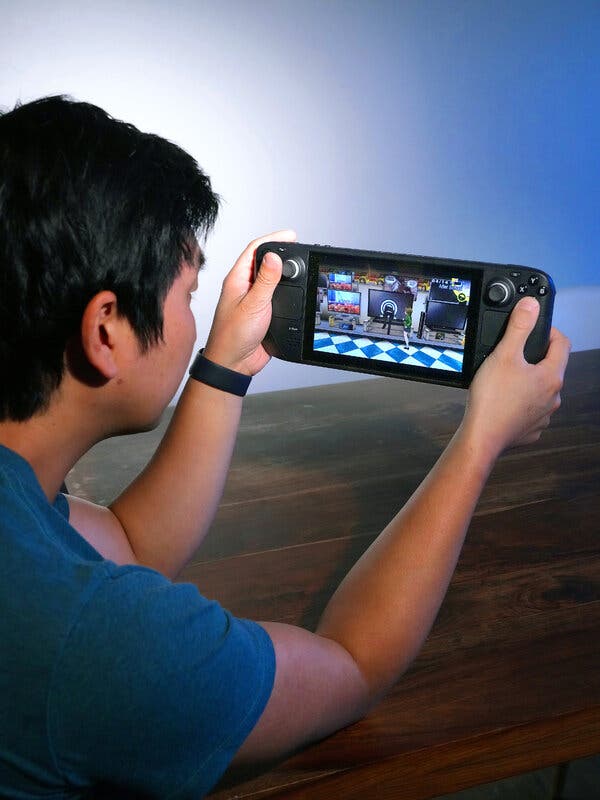

Steam Deck Players can finally ditch the generic green boxes that have haunted their achievement hunts for years.
Thanks to a fresh Decky plugin, the handheld’s iconic achievement pop‑ups can now be dressed up to look like Xbox trophies, PlayStation medals, Nintendo stars, or any custom design you can dream up. The community‑driven tool works on the Deck itself, the mobile app, and desktop, letting you keep a consistent visual language no matter where you play.
What the New Plugin Actually Does
The plugin swaps the default Steam notification with a user‑selected style. Choose from pre‑made console skins or upload your own graphics, then watch the Deck display your hard‑earned milestones in a fresh, familiar look.
- Cross‑platform skins: Xbox, PlayStation, Nintendo, or fully custom assets.
- Seamless integration: Works on the Deck, the Steam mobile app, and the desktop client.
- Community sharing: Players post their custom setups and gameplay clips, sparking a new wave of visual bragging rights.
All of this is possible thanks to Decky, the open‑source plugin framework that lets developers inject new features into the SteamOS environment. The achievement customizer is the latest community contribution, and it’s already gaining traction among hobbyists and streamers alike.
Why Custom Achievement Pop‑Ups Matter
Achievement hunting has always been a personal quest, but the way those moments are broadcast can affect motivation, community interaction, and even how developers think about reward design. By letting Steam Deck Players align their pop‑ups with the visual language of other consoles, the plugin does more than just look cool—it bridges the aesthetic gap between ecosystems.
For streamers, the impact is immediate. A viewer who recognizes a familiar PlayStation trophy icon will instantly understand the significance of the achievement, even if they don’t follow the Steam feed. This visual shorthand can boost engagement during live sessions and make highlight reels more shareable across platforms.
Casual gamers benefit too. The default Steam pop‑up is functional but bland; a custom design adds a sense of ceremony that can turn a routine kill‑count badge into a moment worth celebrating. The added personalization also encourages players to experiment with different themes, fostering a mini‑culture of achievement fashion.
How to Install and Use the Plugin
Installation is straightforward for anyone familiar with Decky:
- Open the Decky Store on your Steam Deck.
- Search for “Achievement Customizer” and hit install.
- Launch the plugin from the Decky menu.
- Select a skin pack (Xbox, PlayStation, Nintendo) or upload your own PNG assets.
- Save your settings and enjoy the new look across all Steam interfaces.
Because the plugin also hooks into the mobile app and desktop client, the same visual style will appear when you earn achievements on a PC or while on the go. This uniformity is a key selling point for players who switch between devices throughout the day.
Community Reaction and Early Adoption
Since its release, the plugin has sparked a flood of custom setups on Reddit, Discord, and the Steam Community Hub. Users share screenshots of their decks sporting neon‑lit Xbox trophies, retro‑styled Nintendo stars, and even fully animated overlays that sync with the achievement’s rarity tier.
Streamers have reported higher viewer retention during achievement moments, noting that the familiar console icons act as instant visual cues. Some creators have even begun bundling custom skin packs as part of their channel merch, turning a simple UI tweak into a brand extension.
Developers are watching the trend, too. A few indie studios have hinted at future cross‑platform achievement designs that could be toggled via the same plugin, potentially allowing a single achievement to display different icons depending on the player’s chosen skin.
Potential Drawbacks and Compatibility Notes
While the plugin is powerful, it isn’t without limits. The customization is currently only possible on the Deck, the mobile app, and desktop; the SteamOS UI on the Deck itself must run the Decky framework, which may conflict with other system tweaks. Users should back up their configuration files before experimenting with third‑party assets.
Additionally, because the plugin replaces the native notification, some users have reported a slight delay in pop‑up appearance on older hardware. The community is actively troubleshooting these hiccups, and patches are expected within weeks.
FAQ
Can I use the plugin on a non‑Deck Steam device?
Yes. The same Decky plugin works on the Steam mobile app and the desktop client, letting you keep a consistent look across all your gaming rigs.
Do I need to be a developer to create custom skins?
No. The plugin includes a simple upload interface; you just need PNG assets sized to the notification window. Advanced users can script animated overlays, but it’s optional.
Will using the plugin affect my Steam achievement tracking?
Never. The plugin only changes the visual presentation. All achievement data is still recorded by Steam’s backend exactly as before.
Final Thoughts
The achievement customizer plugin marks a subtle yet significant shift in how Steam Deck Players experience reward feedback. By letting users align their pop‑ups with the visual language of Xbox, PlayStation, Nintendo, or their own creations, the tool adds personality, improves cross‑platform communication, and opens the door for future UI innovations. As the community continues to share skins and developers explore new integration possibilities, the humble achievement notification may become the next frontier of player expression on the Steam Deck.