


Welcome to the enchanting world of Fae Farm, where the magic of co-op gameplay knows no boundaries with its cross-platform compatibility! Here’s your guide on how to unite with friends and embark on adventures together in the mystical land of Azoria.
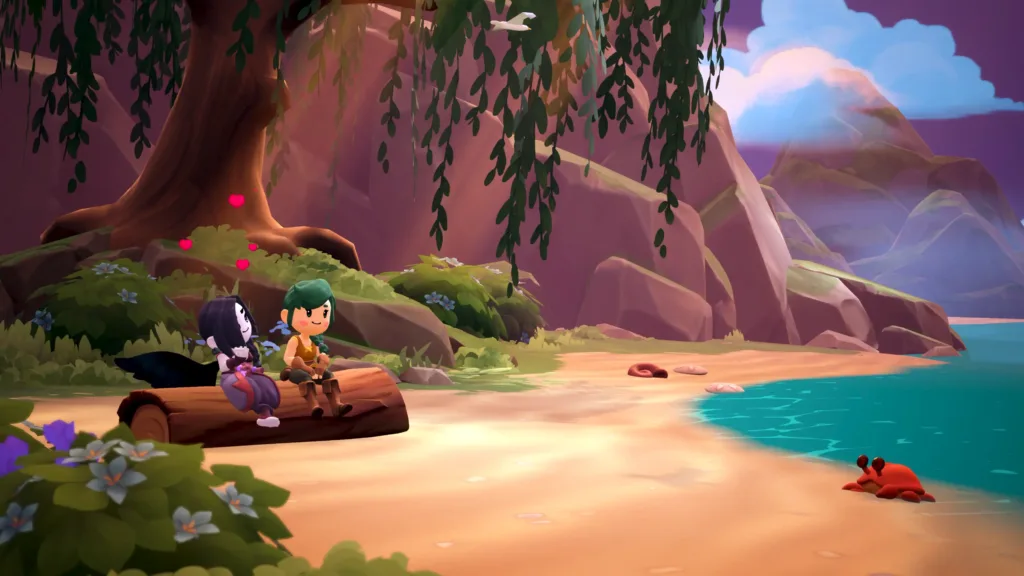
(Credit: Fae Farm)
Embark on the Enchanting Journey of Fae Farm – The Ultimate Co-op Farming Adventure!
Get ready to dive into the enchanting world of Fae Farm, a delightful farming simulator set in the whimsical realm of Azoria. Unlike its predecessors, Fae Farm offers co-op play right from the start, allowing friends to come together and cultivate their dreams, regardless of the gaming platform. This comprehensive guide is your ticket to seamlessly connecting with friends, hosting your own game, and joining others on their farming escapades.
For fans of beloved titles like Stardew Valley and Harvest Moon, the allure of cooperative play in the farming simulation genre is undeniable. Join forces with friends to till the soil, battle formidable monsters, and, in some cases, even forge in-game bonds as deep as marriage. In the world of Azoria, sharing resources is the name of the game, and the rewards are bountiful when gathered in unity. Get ready to sow the seeds of camaraderie and reap the rewards of companionship in Fae Farm.
How to Play with Friends in Fae Farm:
To dive into the enchanting co-op world of Fae Farm, players must first ensure they have a Phoenix Labs account. While solo play is an option without one, gathering friends for a joint farming adventure requires this essential step. Creating an account is a breeze – simply select a display name, and the game will seamlessly append four unique numbers to it.
Share this personalized name-with-numbers combination with friends, who can then venture into the ‘Phoenix Labs Friends’ section on the main menu to search for your username. For added precision, players can include the four numbers. Friend requests can be sent and accepted from this interface, setting the stage for mutual participation in each other’s Fae Farm escapades.
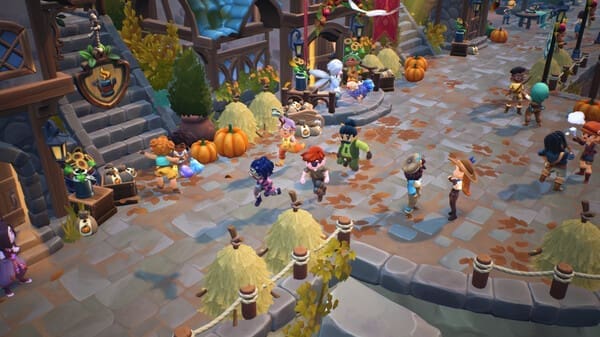
(Credit: Steam)
Once the friend request is accepted, the hosting player must successfully complete chapter 1, which serves as the game’s tutorial, before initiating invites. After this milestone is achieved, players can access the pause menu and select the ‘Multiplayer’ option. Here, they have the choice to either initiate online hosting of their world or extend direct invitations to friends.
For those joining the adventure, the invite will be waiting in the ‘Invites’ tab. Accepting this invitation will seamlessly launch them into a co-op journey alongside the hosting player! Get ready to cultivate memories and harvest success together in Fae Farm!



