
 Home
Home PC
PC PlayStation
 Xbox
Xbox Nintendo Switch
 Mobile
 Esports
 Anime and Manga

Customization options in Counter-Strike 2 extend to equipment and controls, including the crucial ability to tailor your crosshair to your preferences, whether you’re a seasoned CS veteran or a new player. Adjusting your reticle to suit your needs is a common requirement, and the game provides various settings to help you achieve this. Here’s a quick guide on how to change your crosshair in Counter-Strike 2:
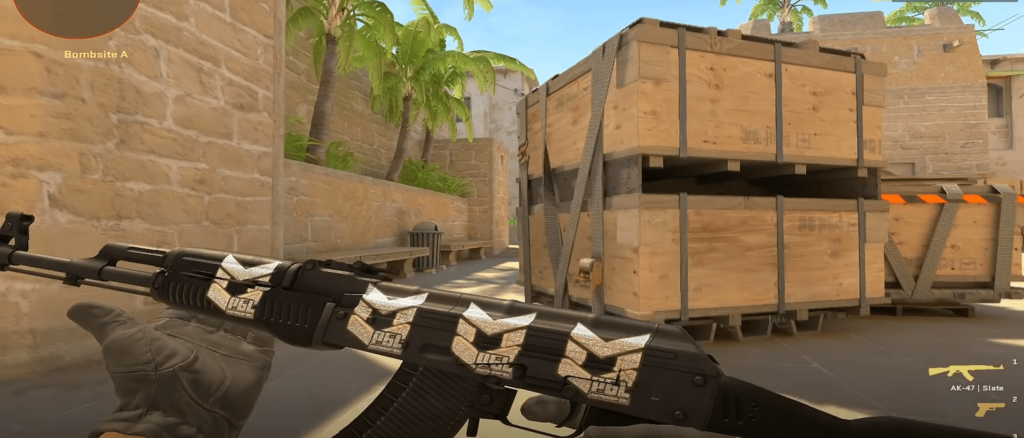
- Access the crosshair settings by clicking on the gear icon at the top left corner of your screen.
- Navigate to the Game tab and select Crosshair, which will take you to the crosshair settings.
In this section, you’ll see a dynamic preview of your crosshair as you make adjustments. You can also copy different crosshairs from your teammates while spectating them. Follow these steps to do so:

- Open the game’s scoreboard by pressing Tab.
- Activate your cursor by clicking Mouse 2.
- Click on the selected player’s profile and choose the Copy Crosshair option.
- Confirm your choice by selecting Yes, and the new crosshair will replace your current one.
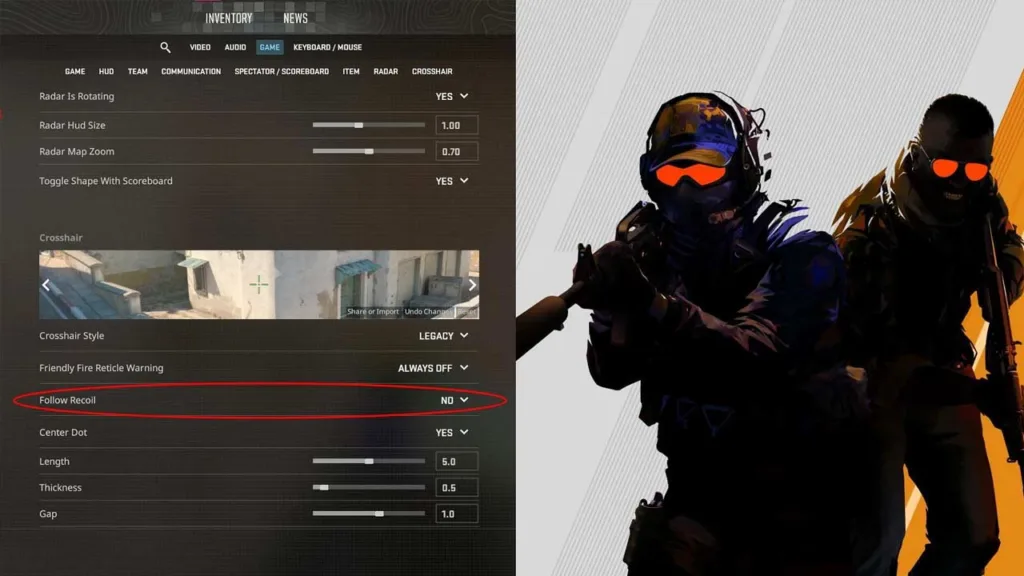
Counter-Strike 2 also allows you to import or export crosshairs using Crosshair Codes found at the bottom of the preview image in the crosshair settings menu. This feature lets you share or import reticles easily.
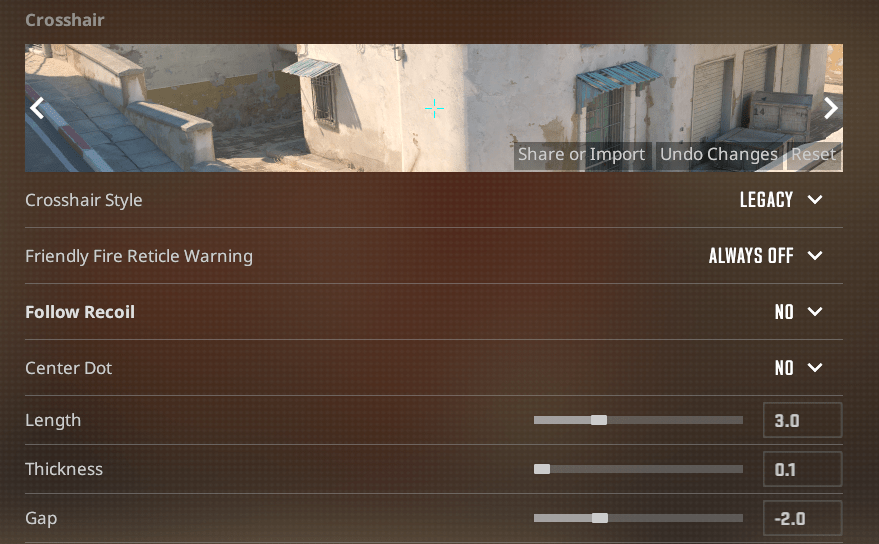
For crosshair recommendations, the Classic Static option, which is similar to the traditional static crosshair, is favored over dynamic ones. Using Classic Static minimizes distractions, allowing you to concentrate more on accurate aiming. You can experiment further by disabling elements of the crosshair, using only the center dot for precise one-taps, especially at long ranges, with the appropriate rifle.




