Creating effective character combinations in Free Fire is essential for maximizing your performance in the game. Your character choices and their abilities can significantly impact your gameplay, so it’s crucial to build a team that suits your playstyle and enhances your strengths. Here are some tips and steps to help you create the right character combinations:

Tips for Creating Character Combinations:
- Identify Your Playstyle: Understand your preferred playstyle, whether it’s aggressive, defensive, supportive, or strategic. Different characters excel in various roles, so choose characters whose abilities align with your style.
- Assemble the Roster: Once you know your playstyle, select passive skills that complement your active character’s abilities. For aggressive play, choose healing or defensive passives. Speed-boosting passives can aid repositioning and evading enemies. Ensure that your passive skills enhance your overall team synergy.

Steps to Create Character Combinations:
- Launch the Game: Open Free Fire Max on your mobile device.
- Access Presets: Tap the ‘Preset’ icon to access your character loadout.
- Select Preset: Choose the preset you want to modify (e.g., Preset 1).
- Choose Active Character: Pick a character with an active skill that suits your playstyle.
- Add Passive Characters: On the right side of the screen, tap the ‘+’ icon to add the remaining three characters with passive abilities.
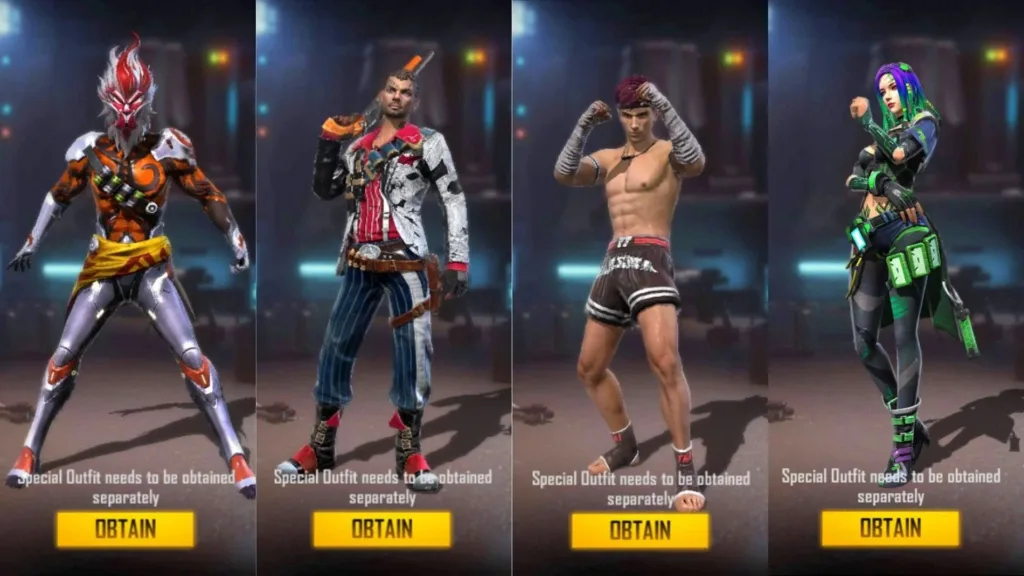
By carefully tailoring your character roster to your playstyle, you can elevate your performance on the battlefield. Prioritize abilities that complement your gameplay style, fostering synergy within your team and increasing your chances of victory. With the right combination, you’ll have a winning edge in Free Fire battles!