
 Home
Home PC
PC PlayStation
 Xbox
Xbox Nintendo Switch
 Mobile
 Esports
 Anime and Manga

Strategies to resolve the Packet Burst issue causing stuttering and connectivity problems in MW3 multiplayer.

Packet Burst, a network error in Modern Warfare 3, disrupts multiplayer gaming with stutters and frame rate drops. This guide unveils the causes behind Packet Burst and offers four effective methods to swiftly resolve this frustrating issue.
Understanding Packet Burst in MW3
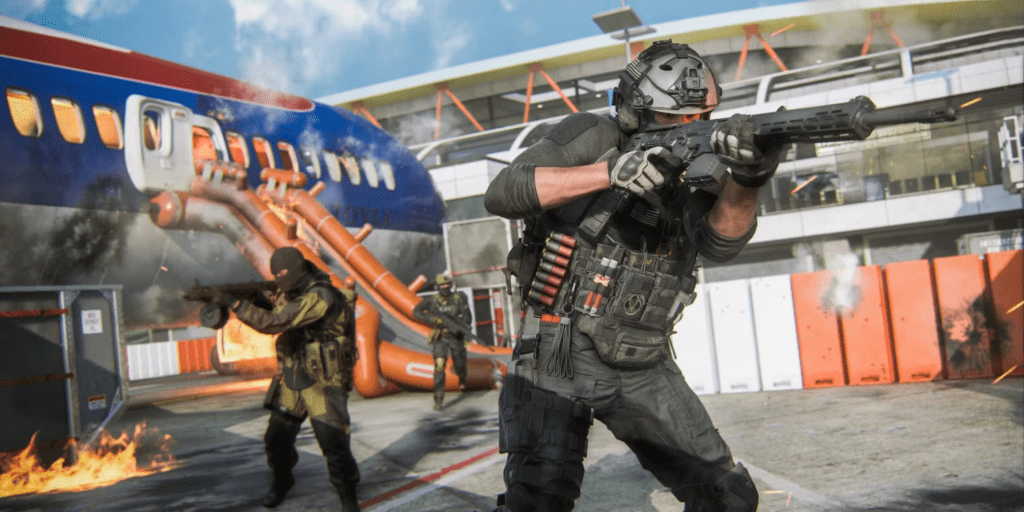
Packet Burst emerges from network or server glitches, leading to stuttering and delays in game play. Identified by three stacked squares in the corner. This error is triggered by unstable internet connections or matchmaking errors between the player and game servers.
Fixes for Packet Burst Issues
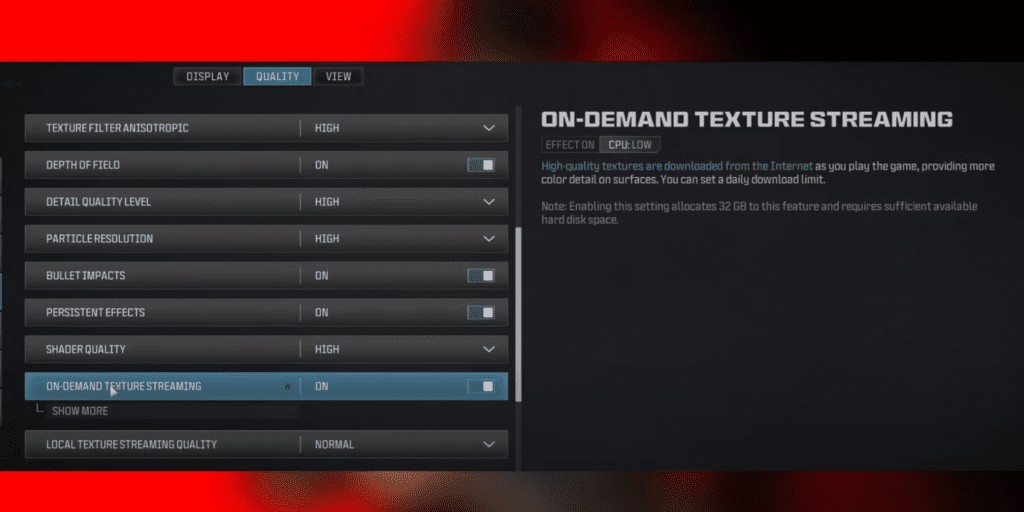
- Disable On-Demand Texture Streaming: In the game settings under Graphics > Quality > Details & Textures, turn off this feature to minimize bandwidth usage and prevent Packet Burst.
- Switch to a Wired Connection: Opt for Ethernet over wireless connections to reduce latency and enhance stability.
- Deactivate Cross-Play: Toggle off cross-play in Account & Network settings (under the Online tab) to steer clear of potential Packet Burst issues caused by cross-platform servers.
- Attempt Port Forwarding: Assign a static IP, apply port forwarding, and use networks with Open NAT/Type 1 for an improved multiplayer experience.
Preventative Measures Against Packet-Related Errors

To steer clear of packet loss problems, broaden bandwidth, enable QoS on the router, and keep network drivers updated. Before adjusting network settings or hardware, check MW3 server status to ensure operational efficiency for the best gaming experience.




