


Exploring the details behind cross platform play in Warzone Mobile and how it aligns with player expectations.
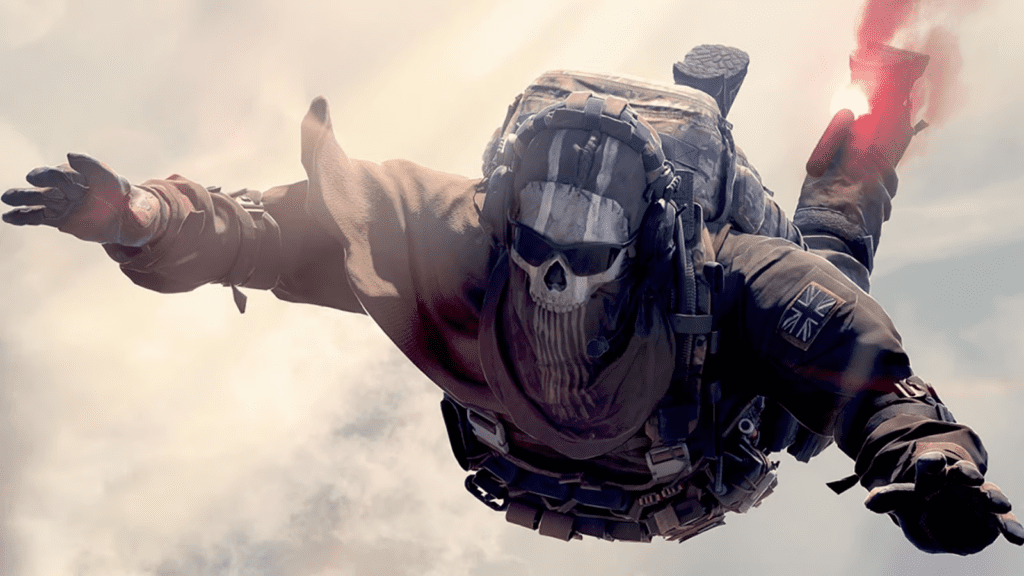
The announcement of Warzone Mobile sparked excitement among Call of Duty enthusiasts, prompting speculation about revolutionary crossplay possibilities across mobile, console, and PC. However, uncertainties linger around the game’s cross platform functionality, leaving eager players with unanswered questions. This guide aims to clarify Warzone Mobile’s crossplay and the potential for Continuous Battle Royale gaming across platforms.
Understanding Warzone Mobile’s Crossplay Status
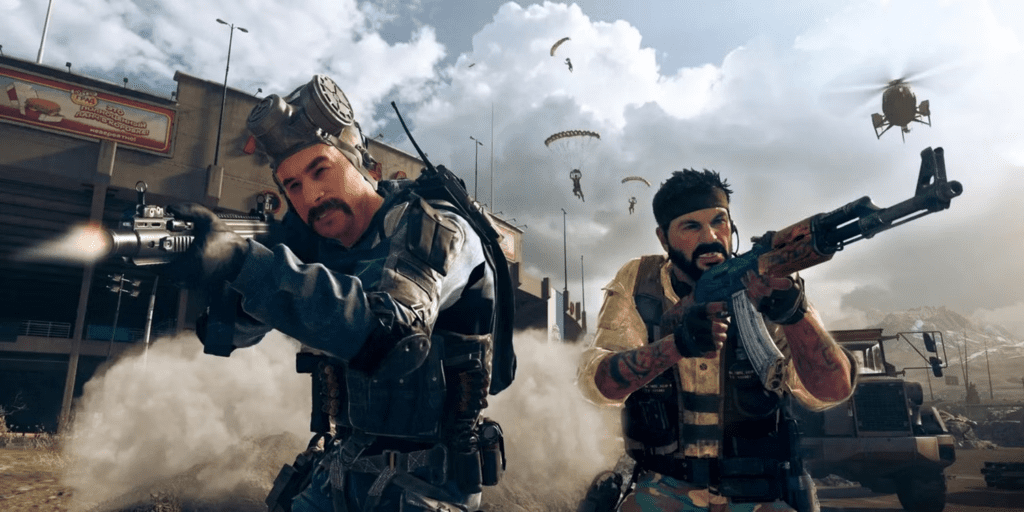
Contrary to anticipation, Call of Duty: Warzone Mobile is designed as a mobile-exclusive game without crossplay capabilities. Teaming up and competing solely with other mobile users confines players. Warzone Mobile operates on dedicated servers segregated from PC, PS5, PS4, Xbox One, and Xbox Series X/S versions.
Here’s why Warzone Mobile lacks crossplay functionality:
- Mobile Optimization: Warzone Mobile’s graphics and performance are tailored for mobile devices, falling short of the standards set by PC and console versions.
- Map Discrepancy: Presently, the game’s multiplayer map revolves around Verdansk, distinct from MW3 and Warzone 2.0.
- Extended Experience: Activision intends to position Warzone Mobile as an augmented Battle Royale experience rather than a direct replica.
Potential for Crossplay Between Phones and Emulators
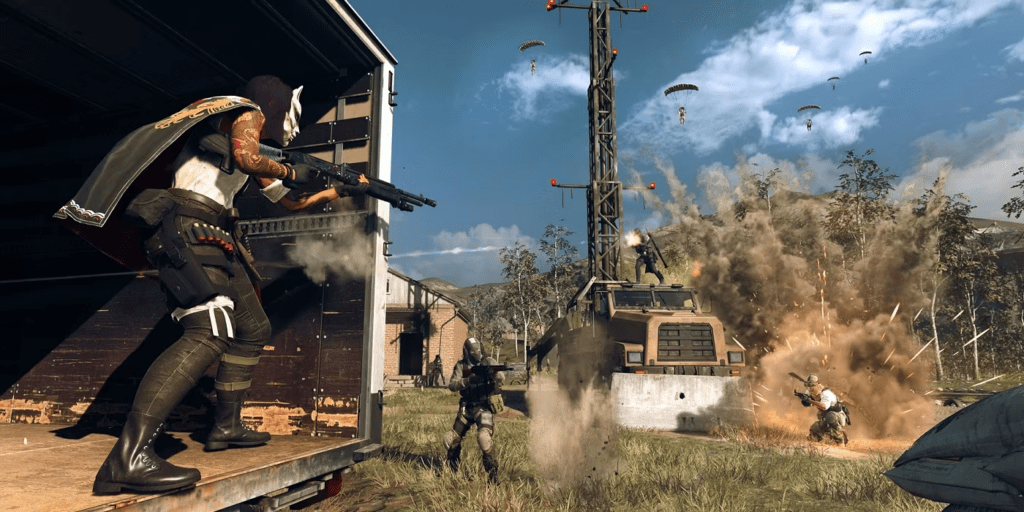
Considering Activision’s approach with Call of Duty Mobile, Warzone Mobile is unlikely to support emulator crossplay. Players using PCs with mouse and keyboard might operate separately on dedicated servers.
It’s important to note that Warzone Mobile is in its Limited Release phase, and the development team hasn’t announced plans for emulator support.
Read this also: Double XP Event Launches with Three Thrilling Playlists in Call of Duty: Modern Warfare 3
Cross-Progression Mechanics in Warzone Mobile

While Warzone Mobile doesn’t embrace cross-platform multiplayer, it integrates cross-progression. This functionality allows most unlockable items to synchronize across PC, console, and mobile accounts. For instance, unlocking a new Operator skin in Warzone Mobile will make it accessible in MW3, Warzone 2.0, and other linked platforms.
Items that transition Original across platforms include:
- Battle Pass Progression: Advancing the seasonal Battle Pass extends across all supported platforms, unlocking rewards universally.
- Weapons and Blueprints: Unlocked guns or blueprints are available for use on all cross-progression-supporting games.
- Skins & Cosmetics: Cosmetics like camos, Operator outfits, and other unlocks are transferable between games.
- Friend List and Chat Channels: Warzone Mobile players retain access to their MW3 and Warzone 2.0 friend lists.
- Emblems and Calling Cards: Achieving these items in one game extends their availability to others.
Look for a chain icon beside Warzone Mobile items to identify their cross-progression compatibility.



