Enjoy LEGO Fortnite with friends! Learn to invite pals and play together in this collaborative world.
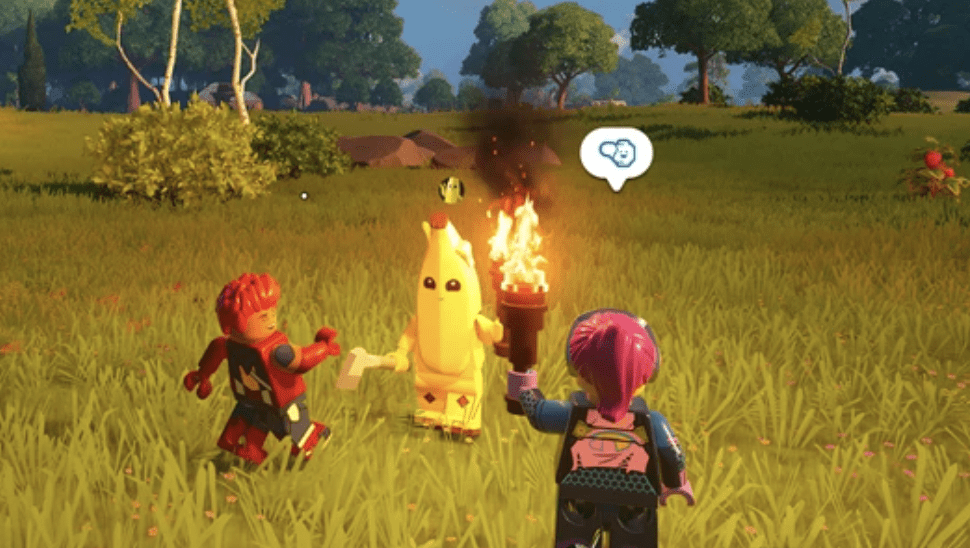
LEGO Fortnite is an expansive and thrilling world, made even better when shared with friends. Playing alongside others and exploring together amplifies the adventure. This guide simplifies the process, helping you navigate multiplayer and inviting friends seamlessly within LEGO Fortnite.
Multiplayer Gameplay and Inviting Friends in LEGO Fortnite

In LEGO Fortnite, up to 8 players across different platforms can join forces, enhancing village building, resource gathering, and preparing for challenges. Inviting friends is straightforward:
- Launch Fortnite and access the LEGO Fortnite mode.
- Invite friends to join your lobby.
- Choose an existing world or create a new one.
- Start the adventure together.
Sharing World Access in LEGO Fortnite

If you’ve created a world from scratch, friends won’t access it when you’re offline unless you grant them an access key. Here’s how you can provide access:
- Launch Fortnite and invite friends to the LEGO Fortnite mode lobby.
- Enter the desired world.
- Open the menu and navigate to the Players tab.
- Choose a friend from the list and grant them access to the world using the access key.
Now, friends can continue exploring even when you’re not online.
Resolving Invitation & Joining Issues in LEGO Fortnite

Sometimes, inviting or joining friends in LEGO Fortnite encounters issues, often related to disabled crossplay. Here’s how to enable crossplay:
- Launch Fortnite and access the menu.
- Go to Settings and select the Account And Privacy tab.
- Scroll down to Gameplay Privacy and find Allow Cross Platform Play.
- Activate crossplay by setting it to “Yes”.
By ensuring crossplay is enabled, you can seamlessly invite and join friends across various platforms in LEGO Fortnite.