


Discover How Mac Users Can Access Diablo 4 Through Various Methods
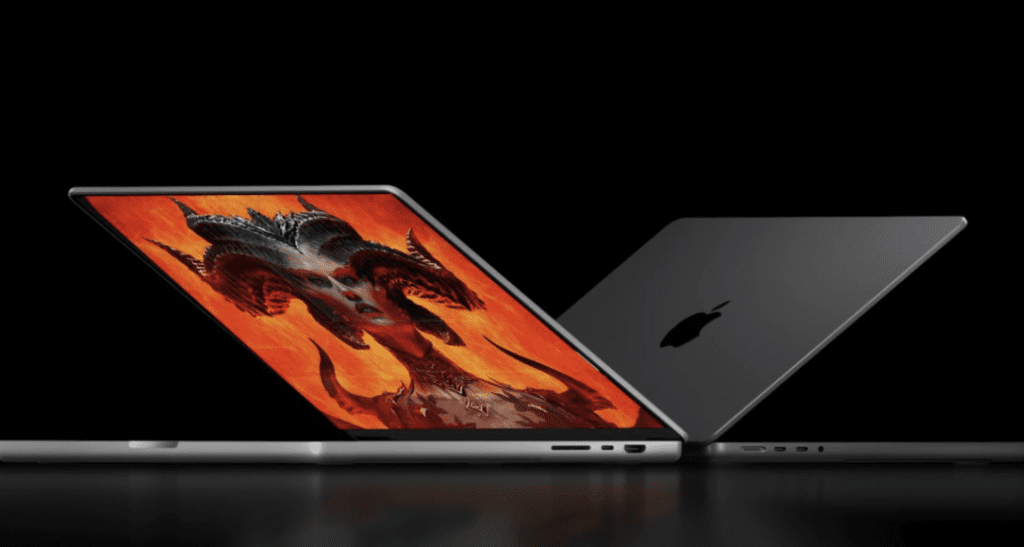
Diablo IV, an enticing game from Blizzard Entertainment, isn’t readily available for Mac users. However, there are alternative methods for Apple laptop users to experience the game, and we’ll delve into those options.
Here’s a rundown of several methods to play Diablo IV on Mac. These approaches vary significantly, requiring careful consideration as they might involve subscriptions or significant storage space.
How to Play Diablo 4 on Mac

Regrettably, Diablo 4 lacks official Mac support. Yet, there are third-party programs that support DirectX 12, a necessity for Diablo 4. Let’s explore the software options that enable you to run Diablo 4 on Mac:
Crossover
Crossover is an emulator that enables Mac users to run Windows programs and games. It’s compatible with Macs running any processor: Intel, M1, M2, or M3. A 14-day trial is available, allowing users to assess whether the full version is worth purchasing. Unlike other emulators, Crossover doesn’t mandate Windows installation on your device. For optimal performance, consider using macOS Sonoma.
Boosteroid
Boosteroid operates as a cloud gaming platform, running games on robust remote devices and streaming the gameplay to your browser. This method allows Mac users to access Diablo 4 directly through their web browser and even enables gameplay streaming on YouTube. While it’s not a free service, its subscription cost is reasonable given its convenience. A reliable internet connection is essential for smooth gameplay.
Boot Camp (Intel-based Macs)
Boot Camp is a Windows compatibility feature exclusive to Intel-based Macs, allowing users to install Diablo VI. However, this method demands significant storage space, time investment, and compliance with system requirements. While not the most gaming-friendly option, Boot Camp offers the option to install a full Windows OS on your Mac.
Each method has its pros and cons, requiring consideration of factors like performance, cost, and ease of access. Choose the option that aligns best with your preferences and system capabilities to enjoy Diablo 4 on your Mac.



