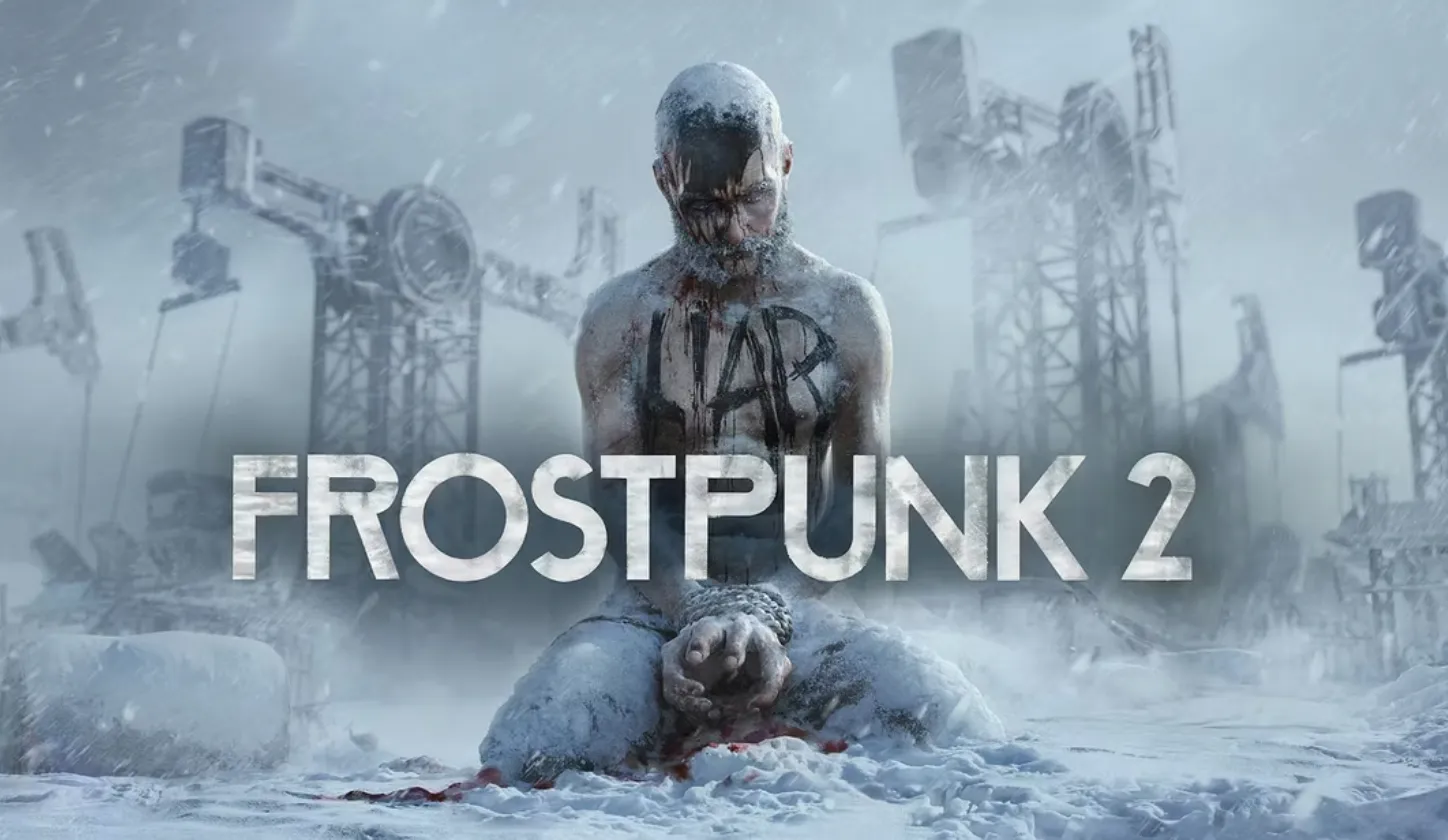

The highly anticipated Frostpunk 2 has finally arrived, with PC players diving into the frosty world of survival. Although the game does not feature microtransactions, it offers a Deluxe Edition packed with extra content. For those who have secured the Deluxe Edition and want to make the most of their rewards, this guide will help you access and enjoy all the included bonuses.
What’s Included in the Deluxe Edition of Frostpunk 2
The Deluxe Edition of Frostpunk 2 offers several additional features that, while not game-changing, are designed to enhance the experience for dedicated fans. Here’s what you get:
- Base Game: The core Frostpunk 2 experience.
- Three Paid DLCs: Available post-launch to expand your game with new content.
- 10% Discount: For purchases made before September 20 at 1:00 PM EDT.
- Three-Day Early Access: Play the game three days before the Standard Edition release.
- Exclusive In-Game Item: The Captain’s Hall skin, which provides a nostalgic aesthetic change to the Council Hall.
- Digital Novella: Warm Flesh, a novella part of the upcoming Frostpunk Anthology.
- Digital Artbook: A collection of artwork from the game.
- Digital Soundtrack: Featuring music composed by Piotr Musiał, available in MP3, WAV, and FLAC formats.
Note: The Standard Edition releases on September 20, granting only a one-day early access. The Captain’s Hall skin is purely cosmetic and does not impact gameplay.
How to Access Deluxe Edition Content

Here’s a step-by-step guide to accessing your Deluxe Edition rewards:
- Download and Install the Game:
- When downloading Frostpunk 2, ensure that you select the Digital Artbook and Warm Flesh Novella options in the DLC tab. Both will be available in the game directory upon installation.
- Access the Soundtrack:
- Download the soundtrack from Steam. Go to your Steam Library, find Frostpunk 2, and download the soundtrack. After downloading, locate the soundtrack in the designated folder to enjoy all 22 tracks in MP3, WAV, and FLAC formats.
- Use the Captain’s Hall Skin:
- To use the Captain’s Hall in-game item, make sure it is selected in the DLC tab during game download. After installing the game, open the settings menu from the Main Menu and navigate to the General Tab. At the bottom, you’ll see an option to change the Council Appearance from Default to Deluxe Edition. Select this option and click the Accept button to apply the new look.
Note: The Captain’s Hall is the only Deluxe Edition content currently accessible in-game. The additional three DLCs will be released at a later date.
By following these steps, you’ll be able to fully enjoy the enhanced experience offered by the Deluxe Edition of Frostpunk 2. Happy gaming!