Monopoly Go, a captivating mobile game since its April 2023 release, offers a digitally revamped classic board game experience with its eccentricity and vibrant gameplay. While currently available on Android and iOS, many players are eager to explore the possibility of enjoying Monopoly Go on their PCs. Although there’s no official PC version, a solution exists through an Android emulator like Bluestacks.
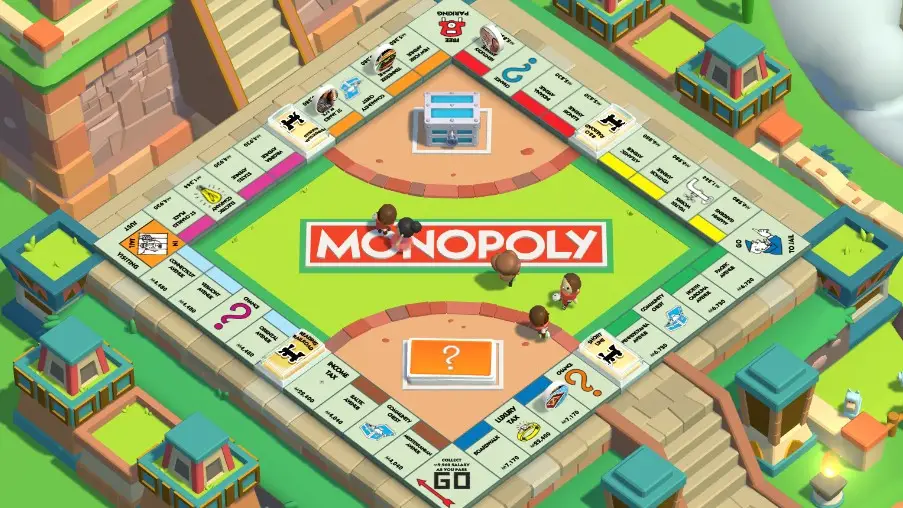
Playing Monopoly Go on PC: A Step-by-Step Walkthrough
System Requirements for Bluestacks:
- Operating System: Windows 7 or higher
- Processor: AMD or Intel
- Hard Drive Space: Minimum 5GB free
- RAM: Minimum 4GB available
Downloading Bluestacks In Pc:
- Visit the official website, http://www.bluestacks.com.
- Click “Download” and run the installation file.
- Locate the file on your computer and initiate the installation.
- Follow on-screen instructions for a seamless installation.
Setting Up Bluestacks In Pc:
- Launch Bluestacks and allow it to load.
- Find the “Google Play” icon on the home screen or in “System Apps.”
- Sign in to the Google Play Store using your Google account.
- Review privacy policies, set preferences, and click “Accept.”
Downloading Monopoly Go:
- In the Google Play Store within Bluestacks, search for “Monopoly Go.”
- Click “Install” on the game’s store page.
- After download completion, receive a notification, and the “Install” button becomes “Open.”
- Monopoly Go is now accessible on your emulator’s home screen or app drawer.
By following these steps, you can seamlessly bring Monopoly Go to your PC, enhancing your gaming experience with a larger screen and visually enhanced gameplay.